









Description
Product Overview
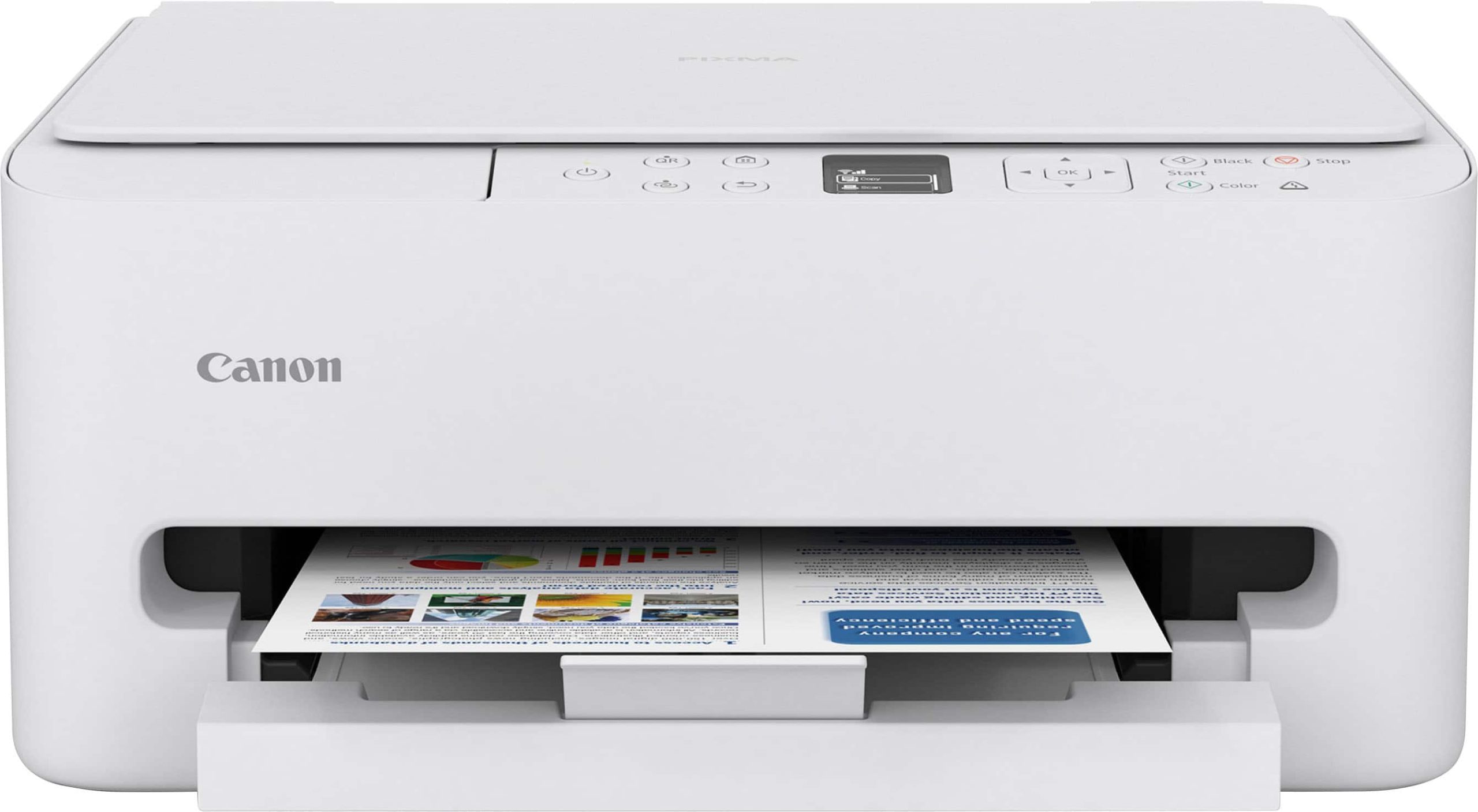
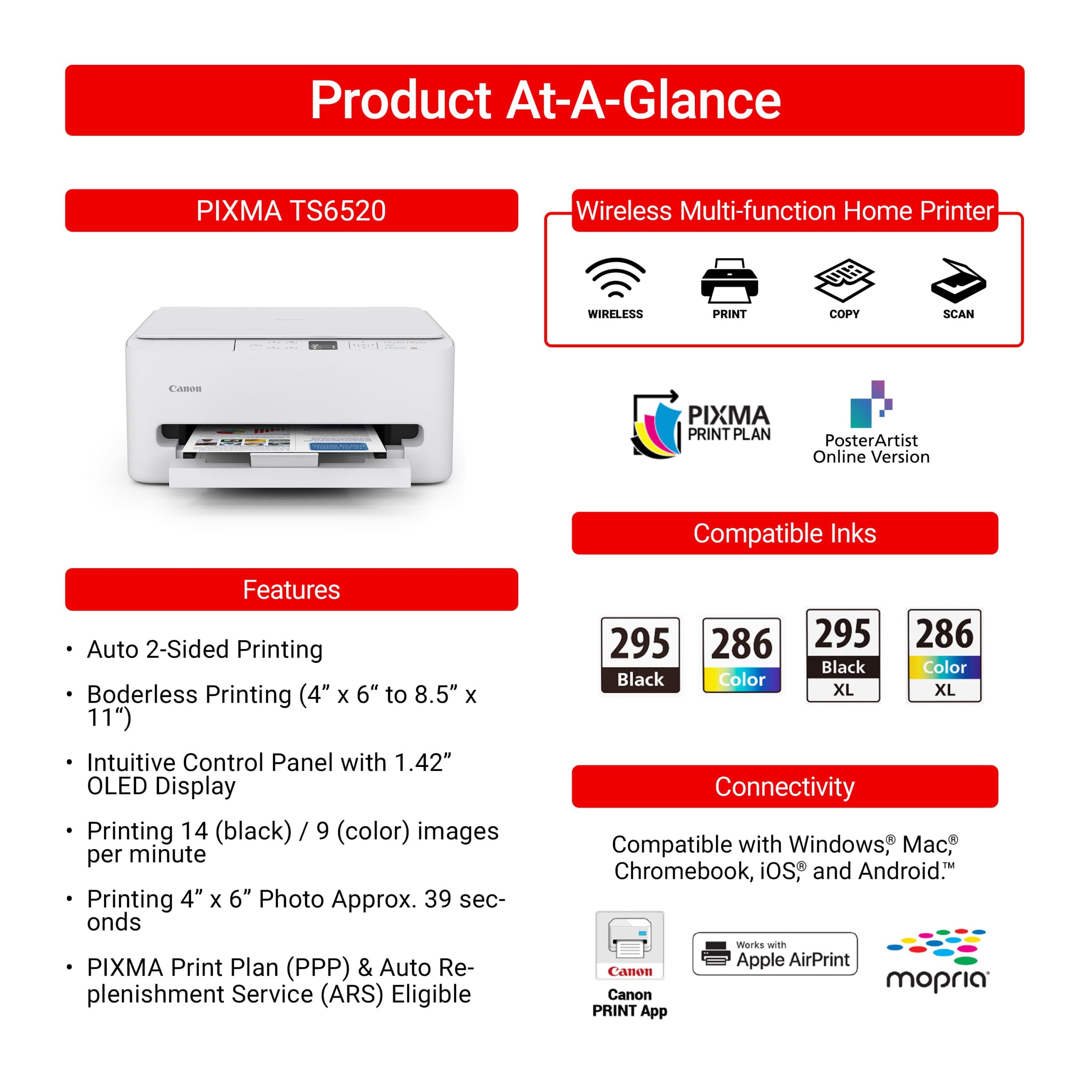
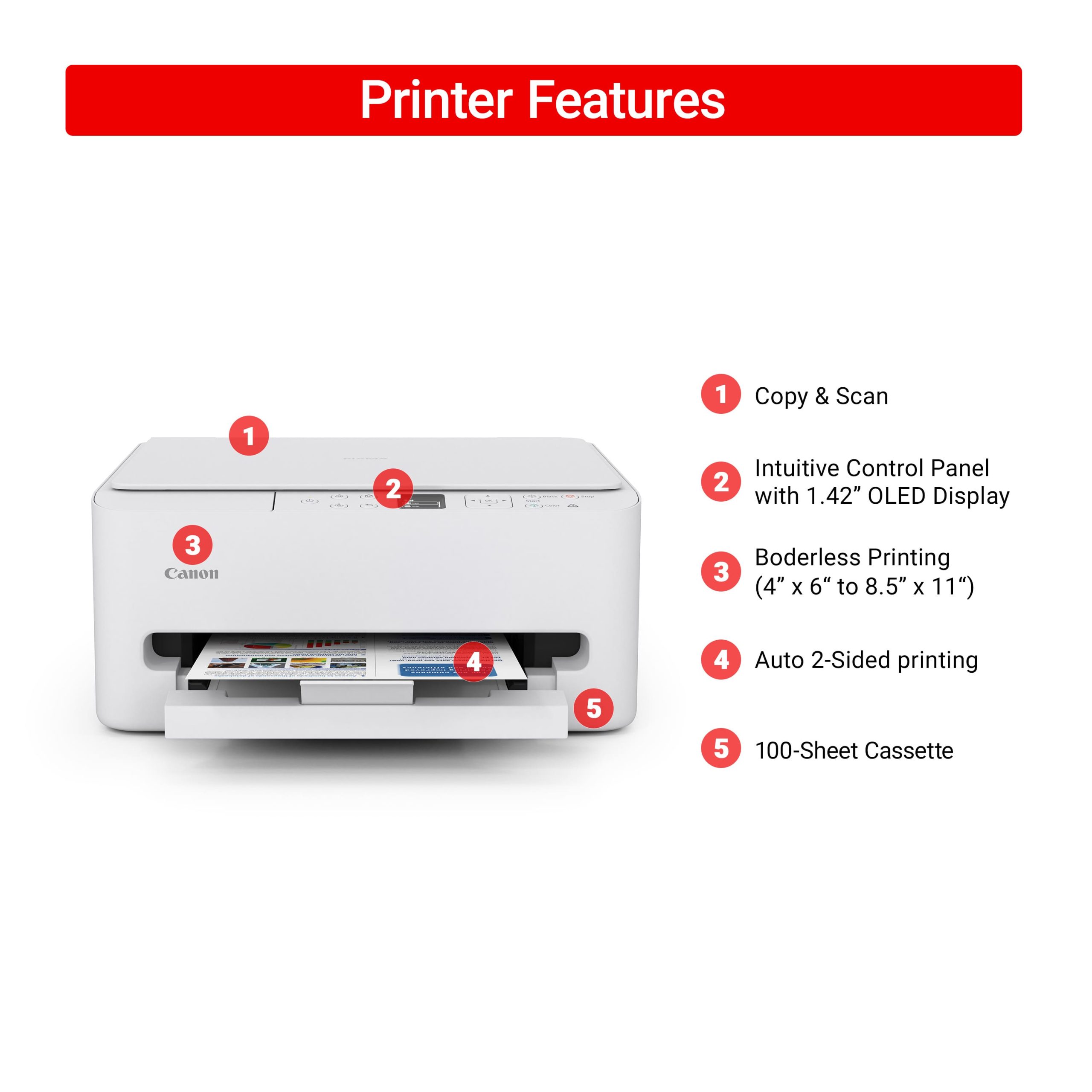
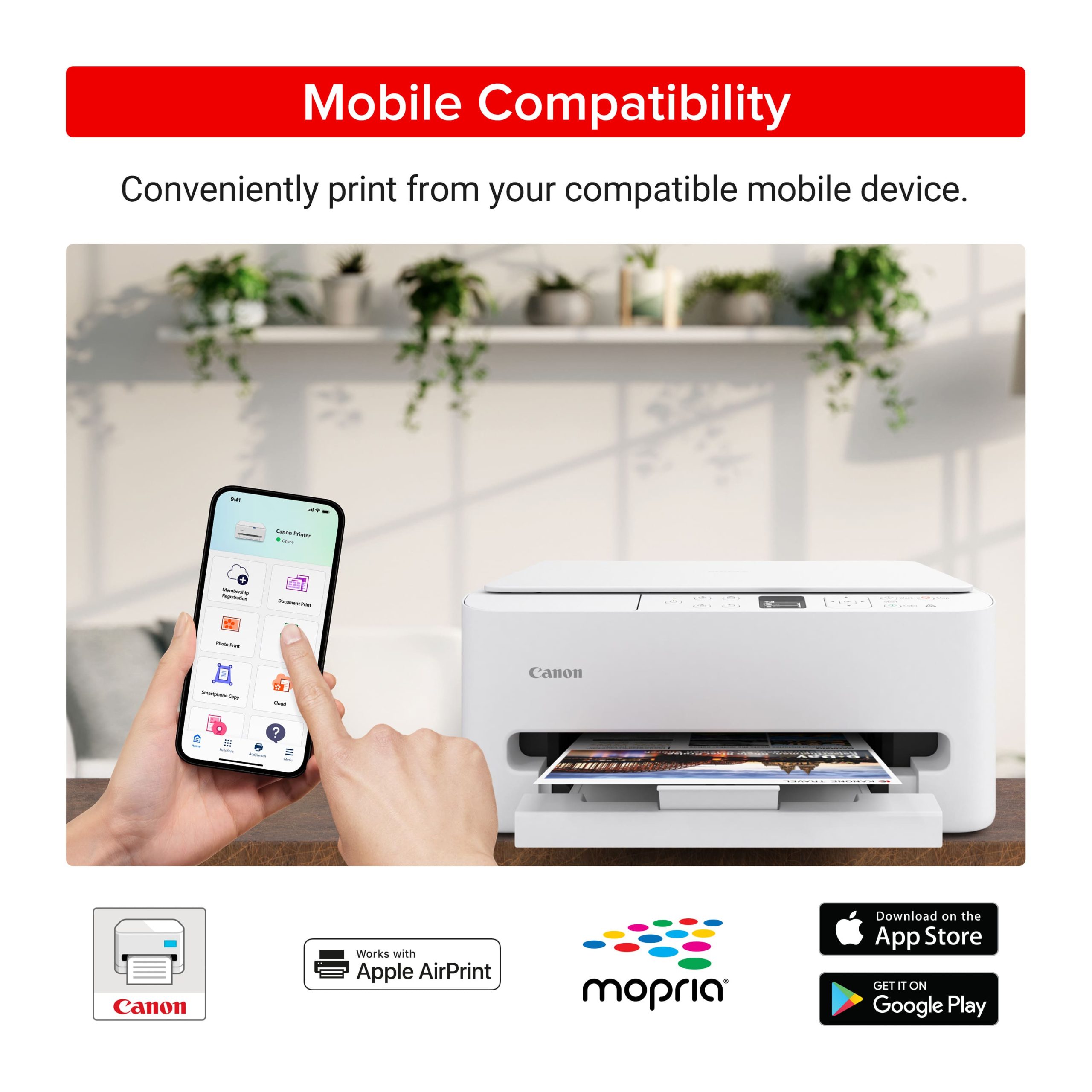
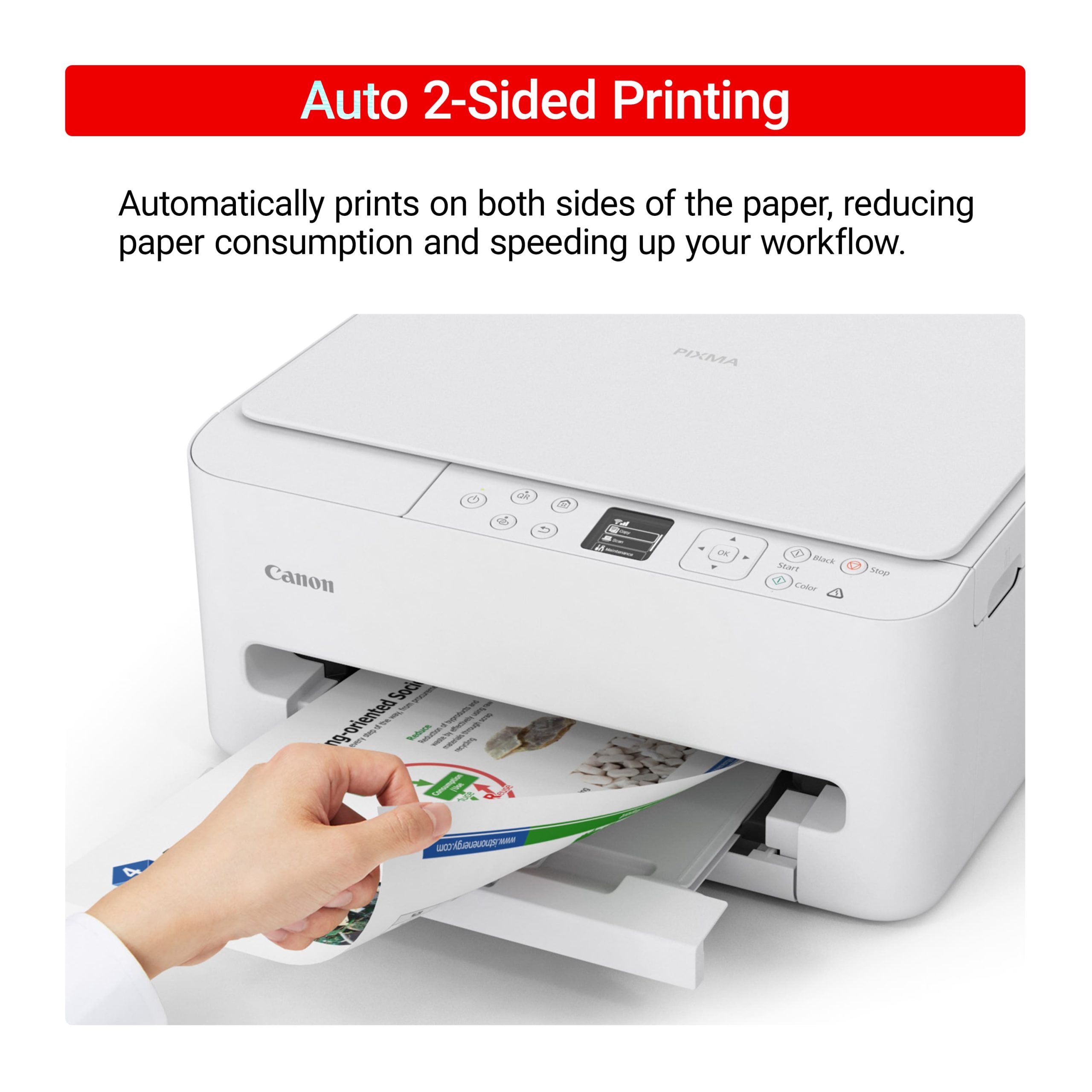
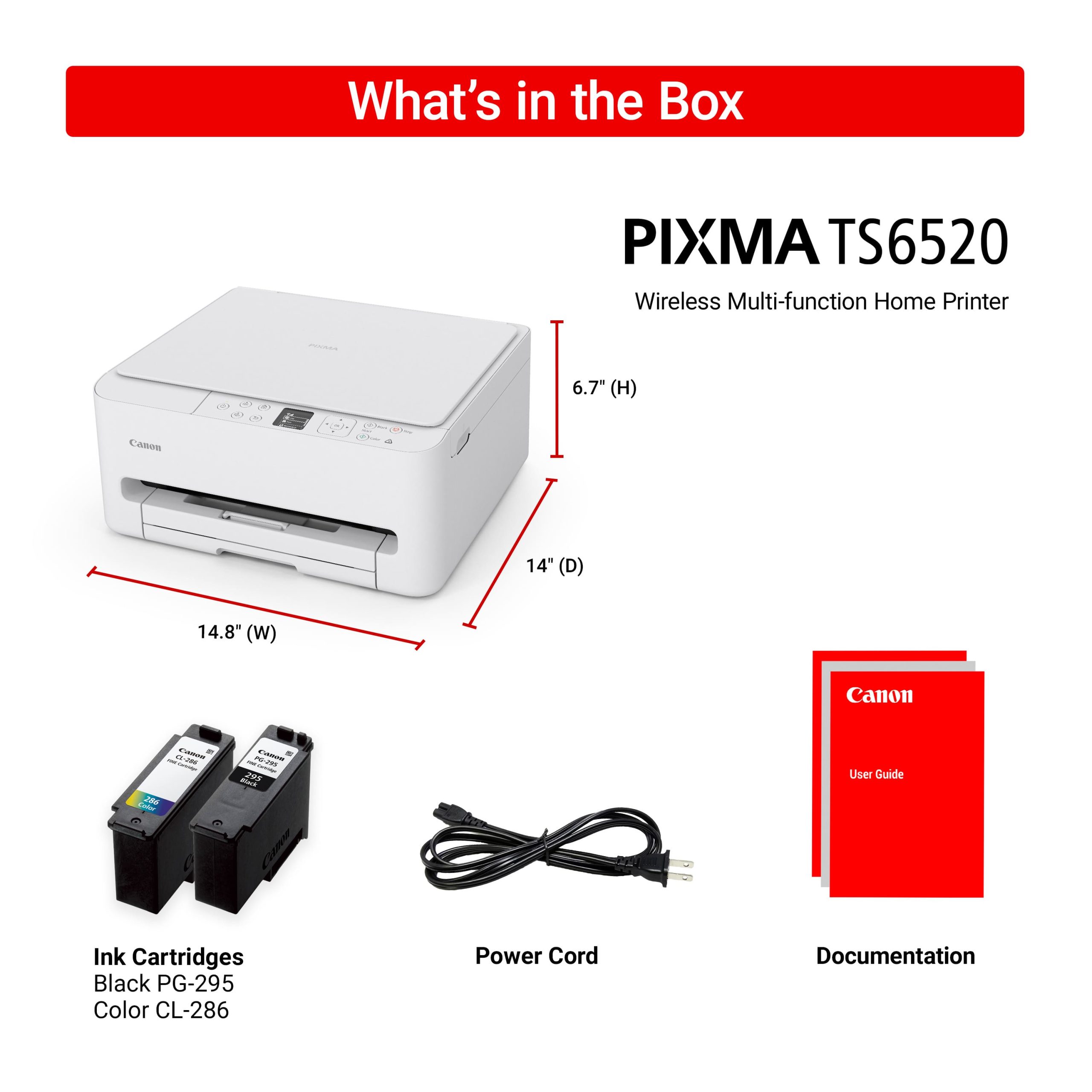
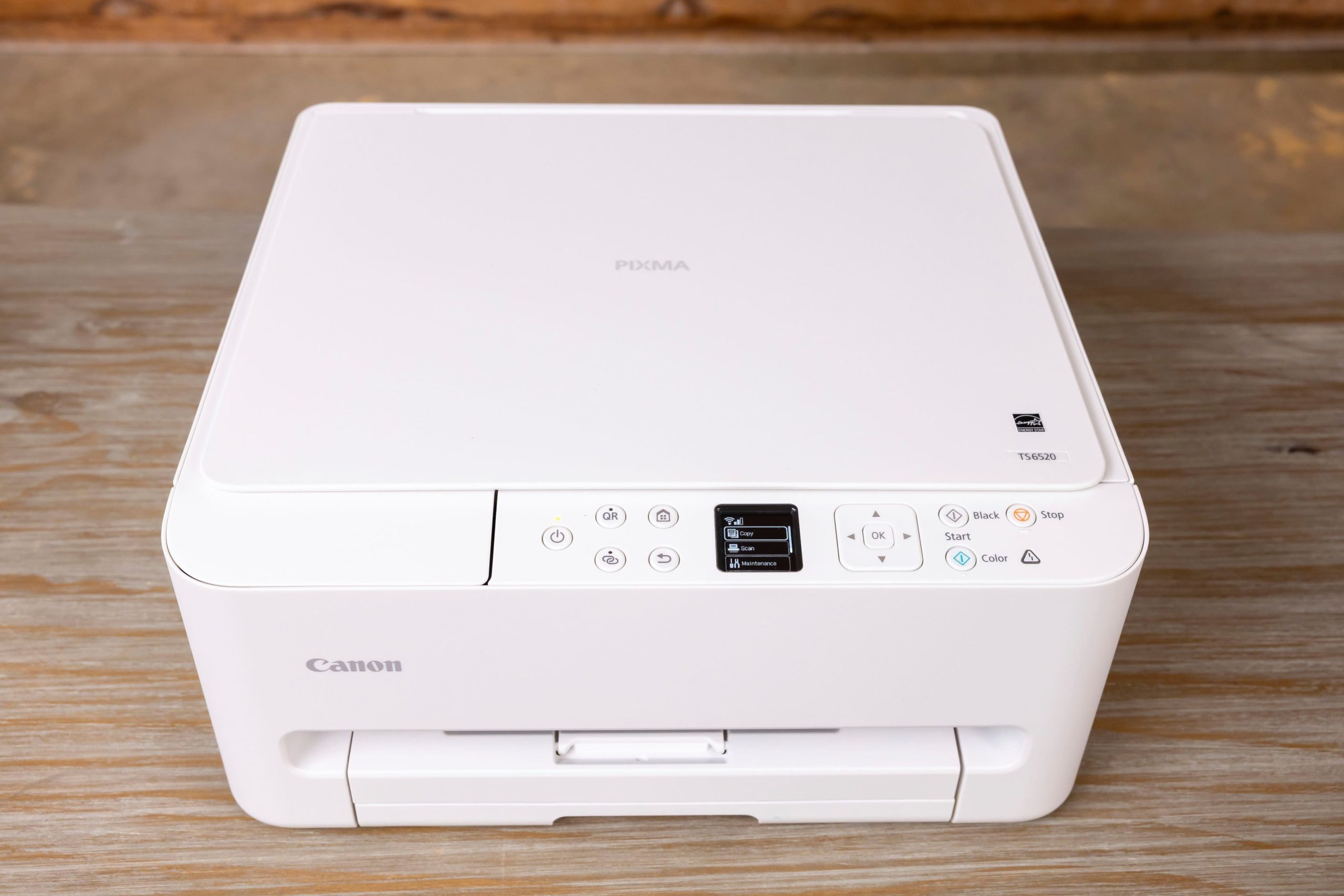
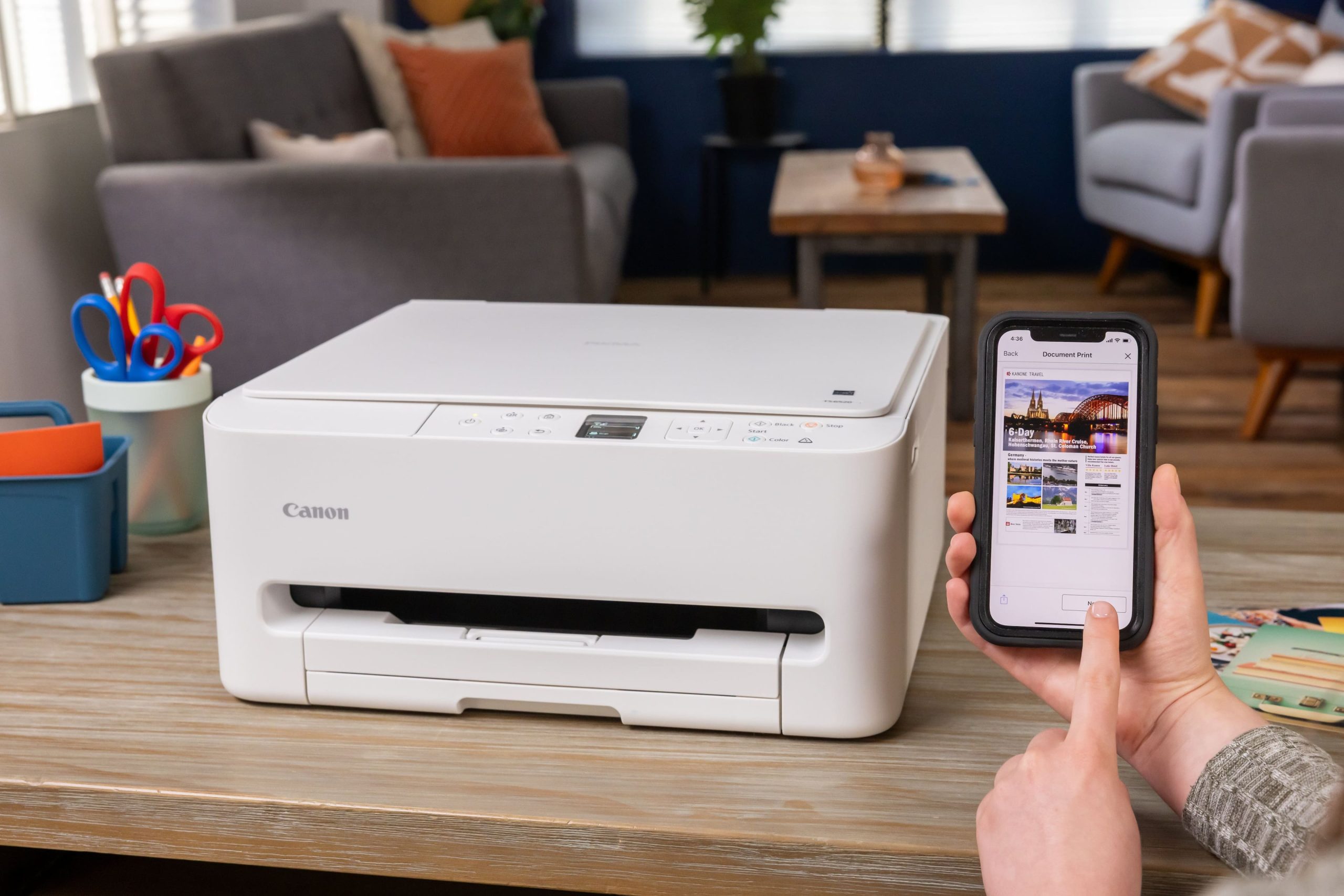
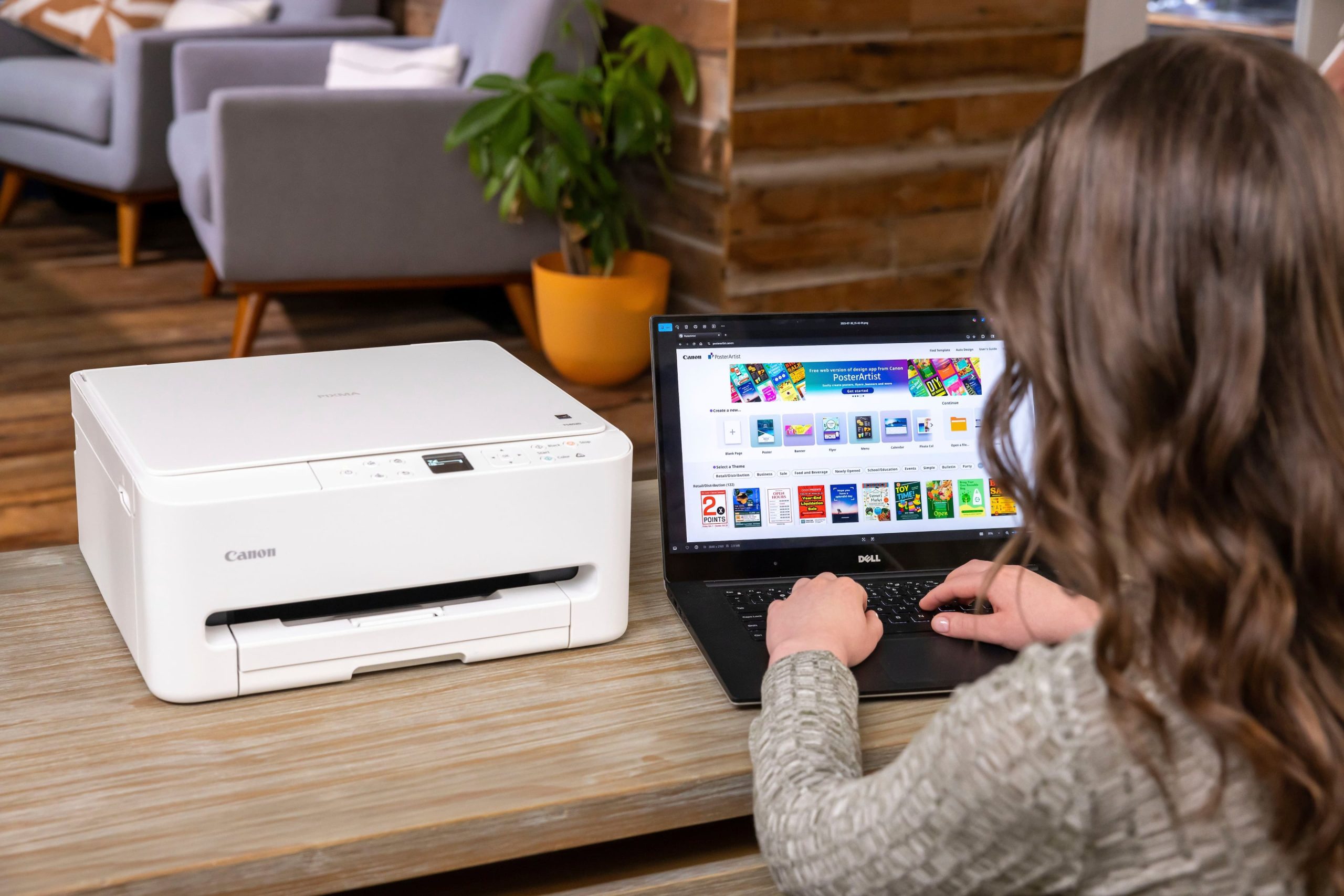
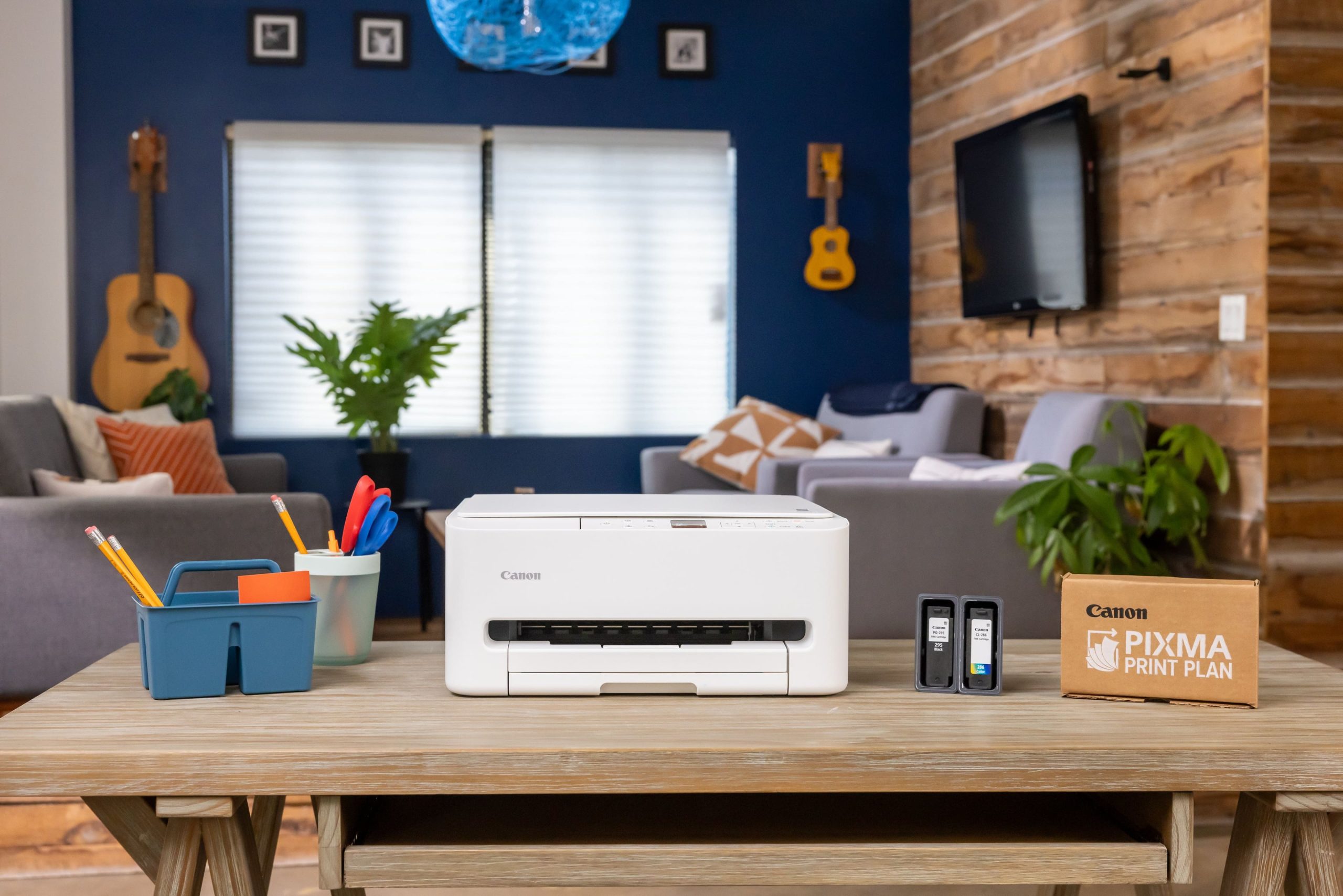
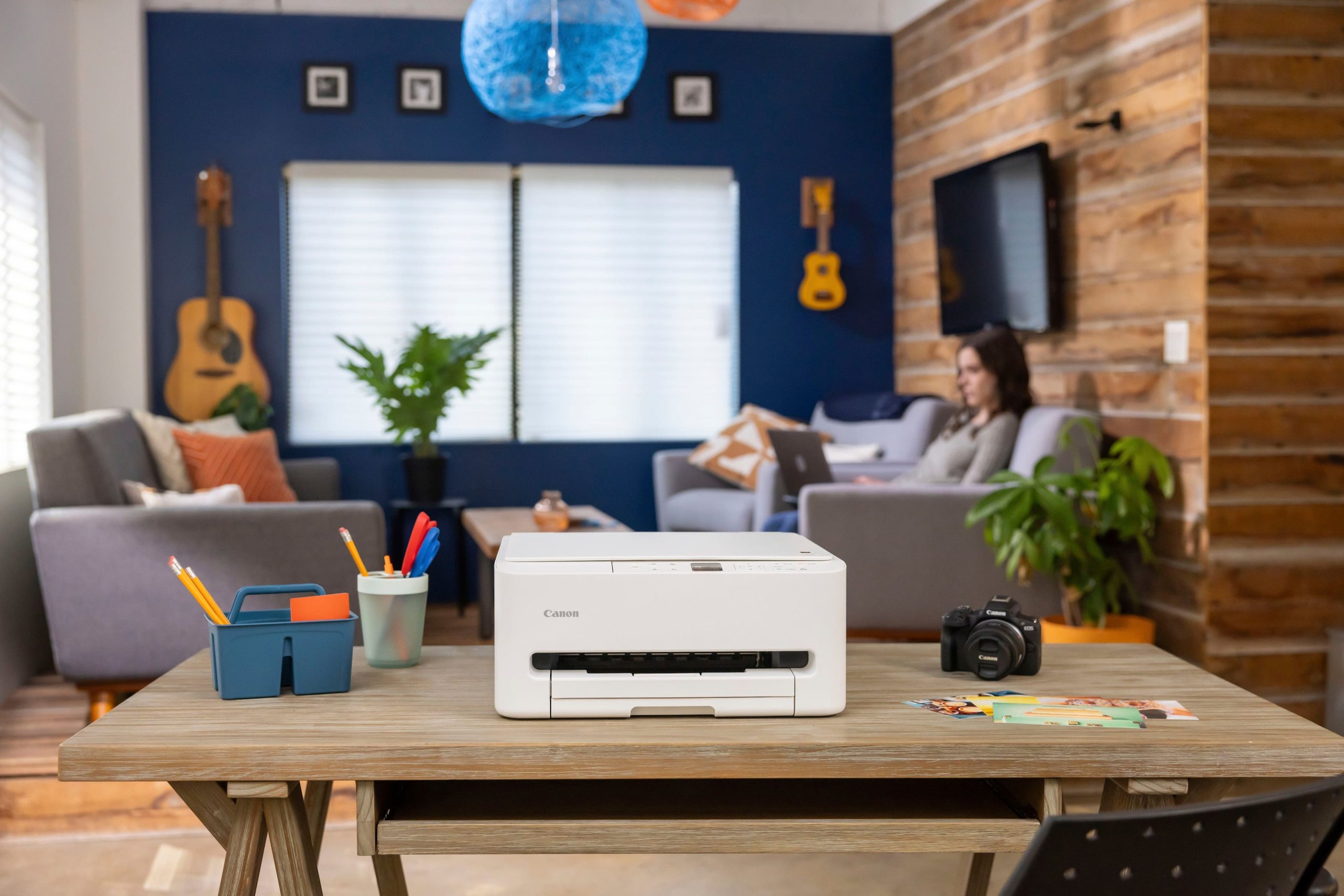
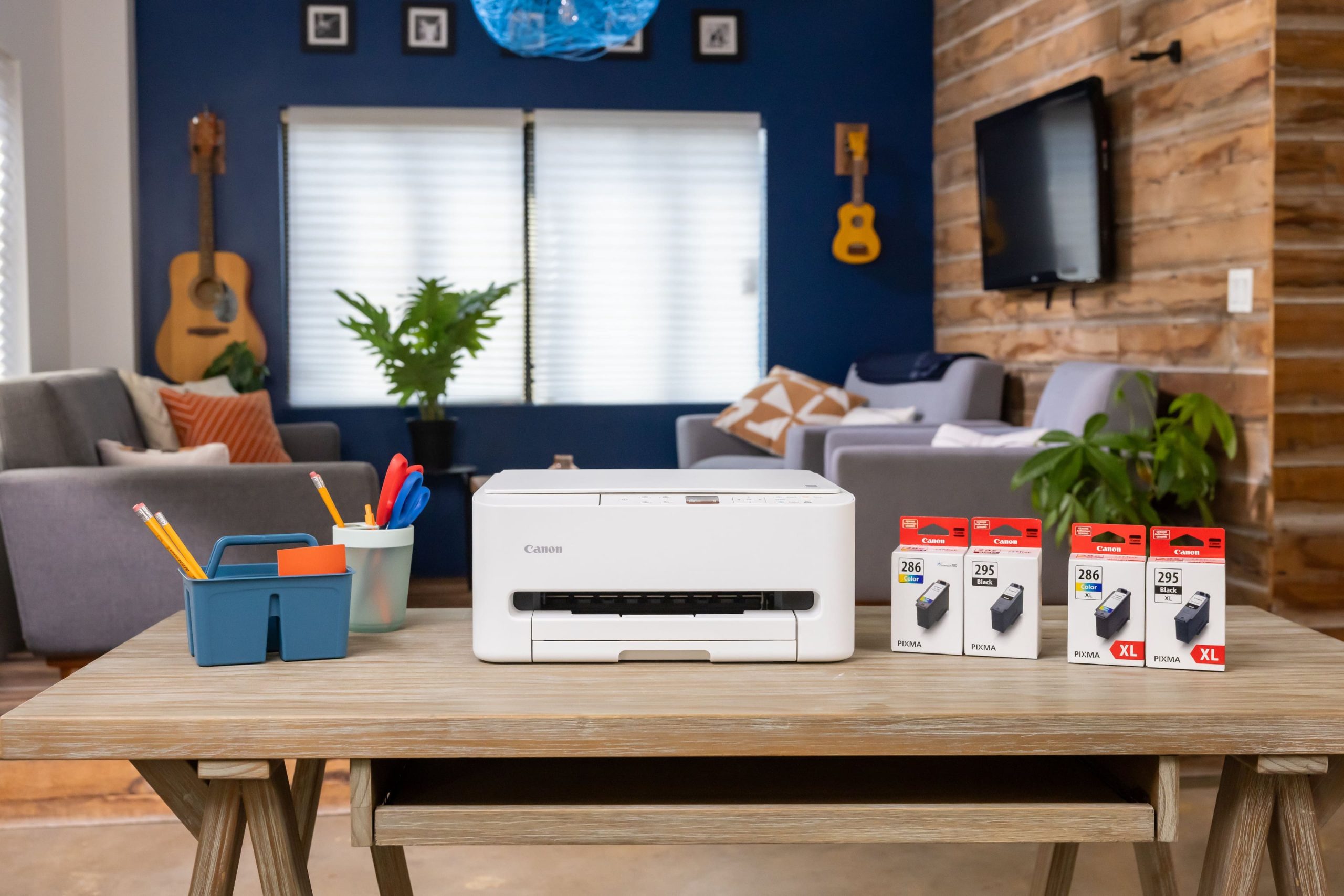
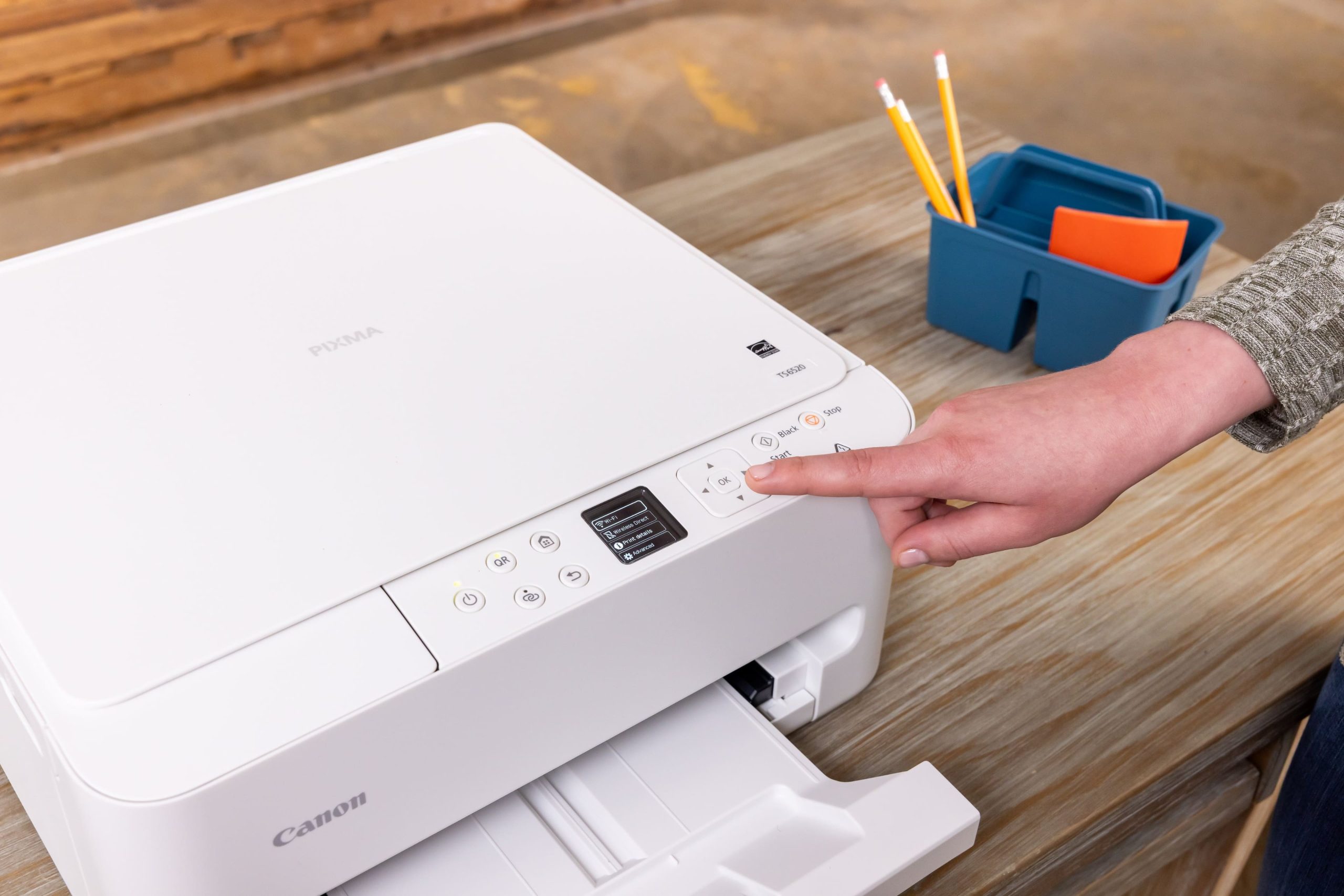
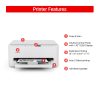
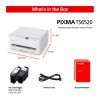
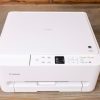
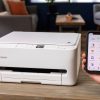
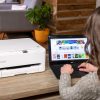
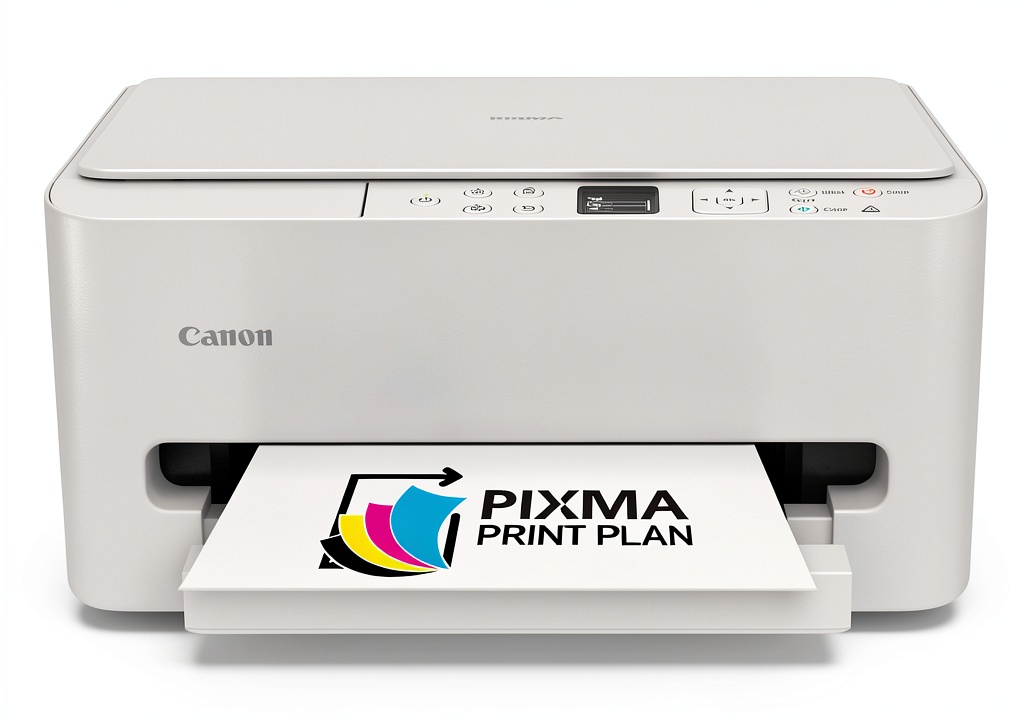
The Canon PIXMA TS6520 is a wireless all-in-one inkjet printer designed to handle printing, scanning, and copying tasks with efficiency. It features a compact white design that fits seamlessly into any workspace, offering high-quality output for documents and photos. With built-in wireless connectivity, it supports easy printing from smartphones, tablets, and computers, reducing cable clutter and enhancing convenience. The printer includes a user-friendly control panel and automatic duplex printing to save paper, making it a practical choice for daily use.
Usage
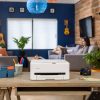
This printer is ideal for home offices, students, and small businesses that require reliable printing, scanning, and copying capabilities. It suits environments where space is limited but productivity is essential, such as study rooms, remote work setups, or shared family areas. Use it for printing reports, school assignments, photos, and scanning documents for digital storage. The wireless functionality allows multiple users to connect effortlessly, supporting collaborative projects and personal tasks without the need for direct computer connections.
Why Choose Us
Canon is renowned for its durable and high-performance printing technology, ensuring the PIXMA TS6520 delivers consistent results with minimal maintenance. The all-in-one design consolidates multiple functions into one device, saving space and cost compared to separate machines. Backed by Canon’s quality assurance and customer support, this printer offers long-term reliability and ease of use, making it a smart investment for those seeking efficiency and value in their printing solutions.
Key Features
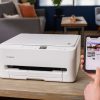
- Wireless connectivity for printing from mobile devices and computers without cables
- All-in-one functionality including printing, scanning, and copying in a single unit
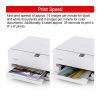
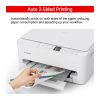
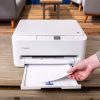
- Automatic duplex printing to reduce paper usage and support double-sided documents
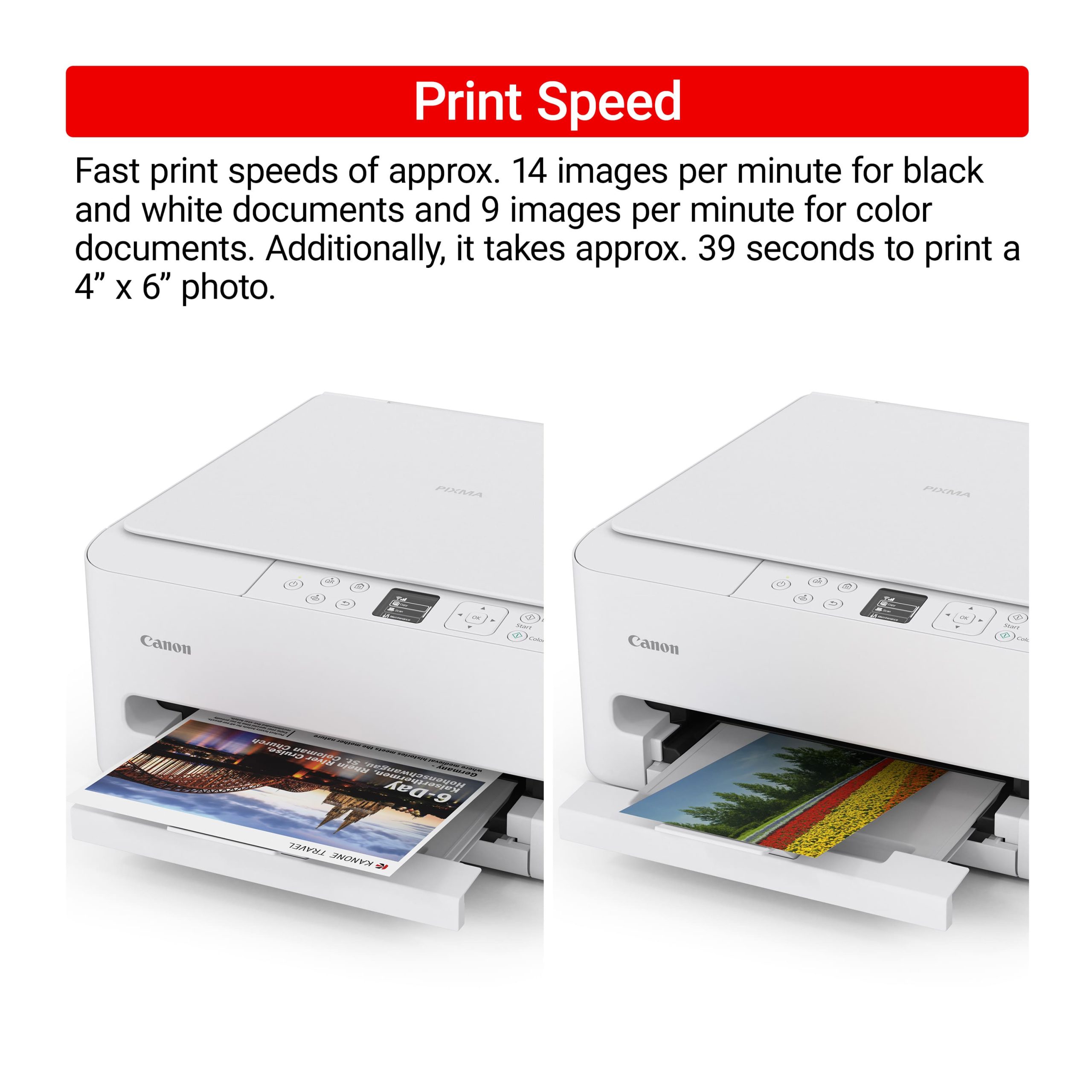
- High-quality inkjet output for sharp text and vibrant photos on various paper types
- Compact and sleek white design that fits easily into home or office spaces
FAQ
How do I set up the wireless connection on the Canon PIXMA TS6520?
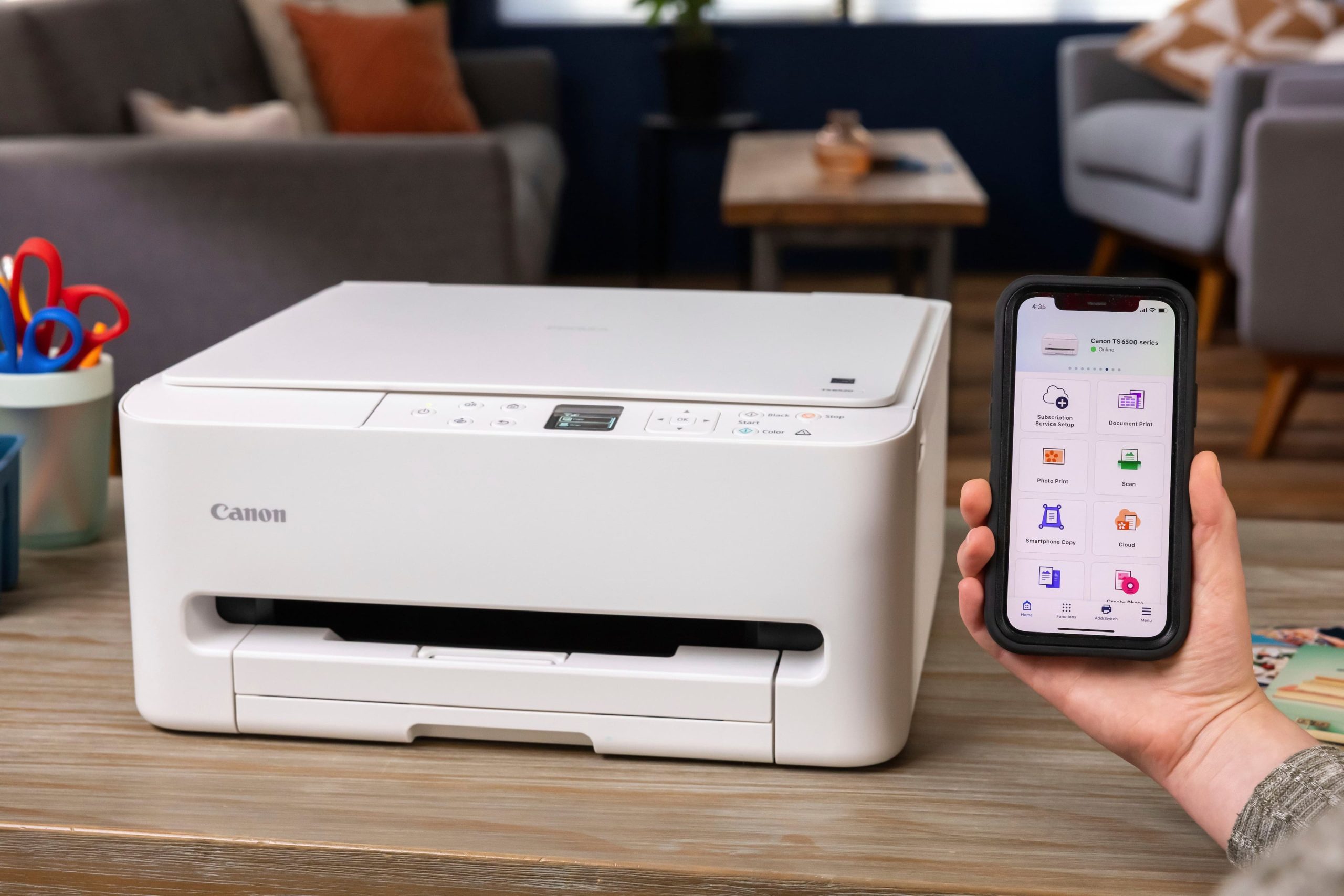
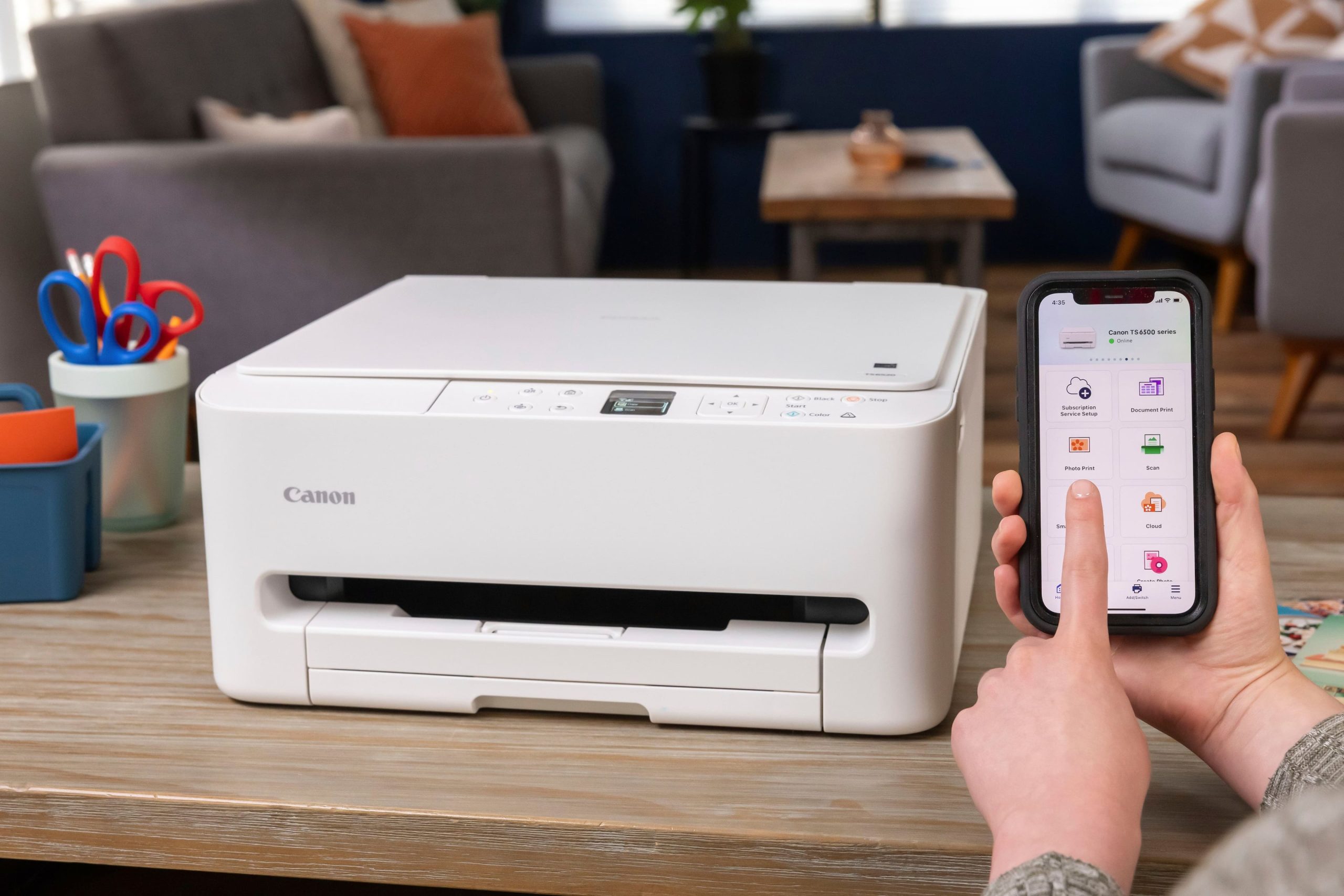
To set up wireless connectivity, use the printer’s control panel to access the network settings and follow the on-screen instructions to connect to your Wi-Fi network. You can also use the Canon PRINT app on your mobile device for guided setup and printing.
What types of paper can this printer handle?
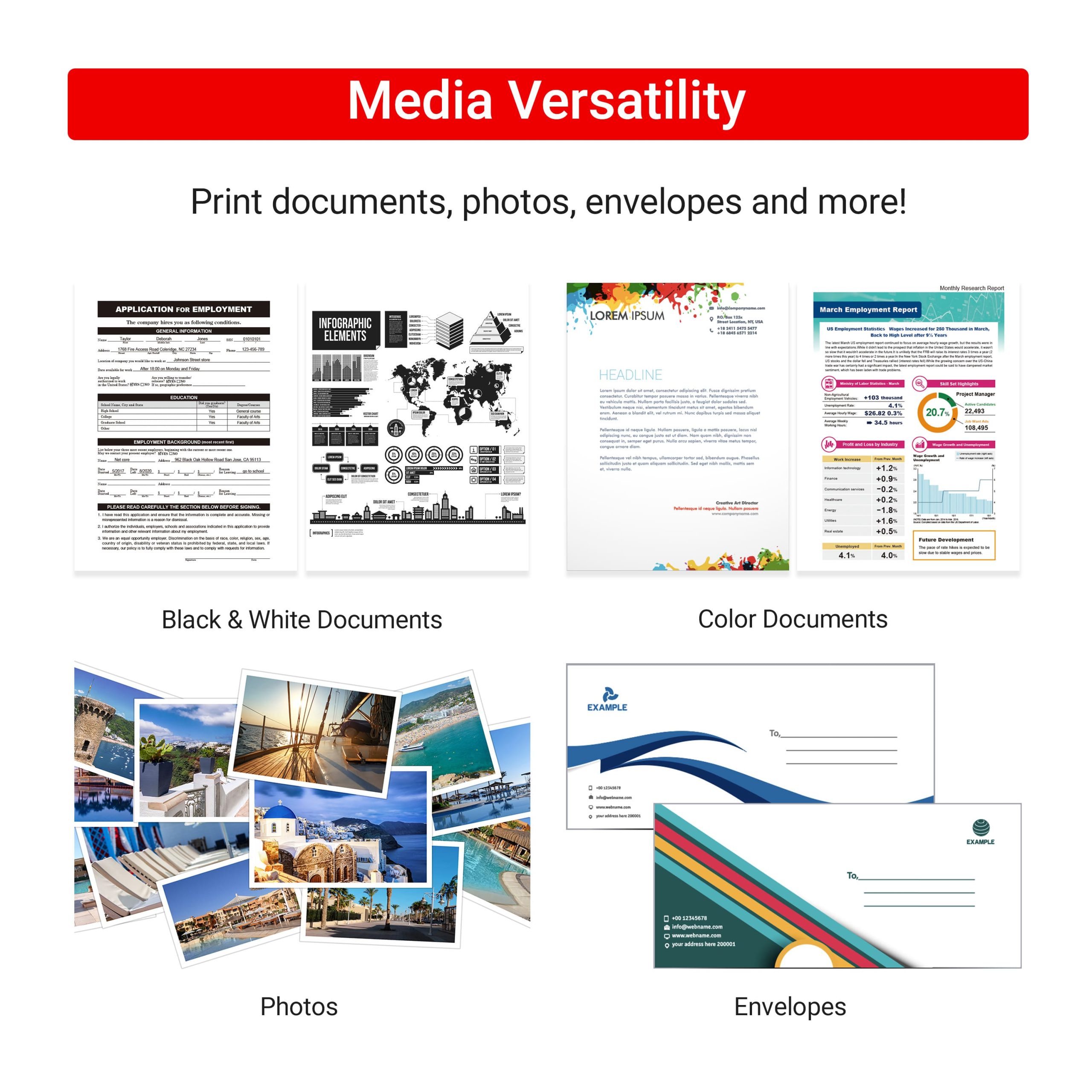
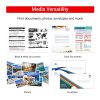
The Canon PIXMA TS6520 supports a range of paper types, including plain paper, photo paper, envelopes, and labels. It is compatible with standard sizes up to 8.5×14 inches, allowing for versatile printing needs.
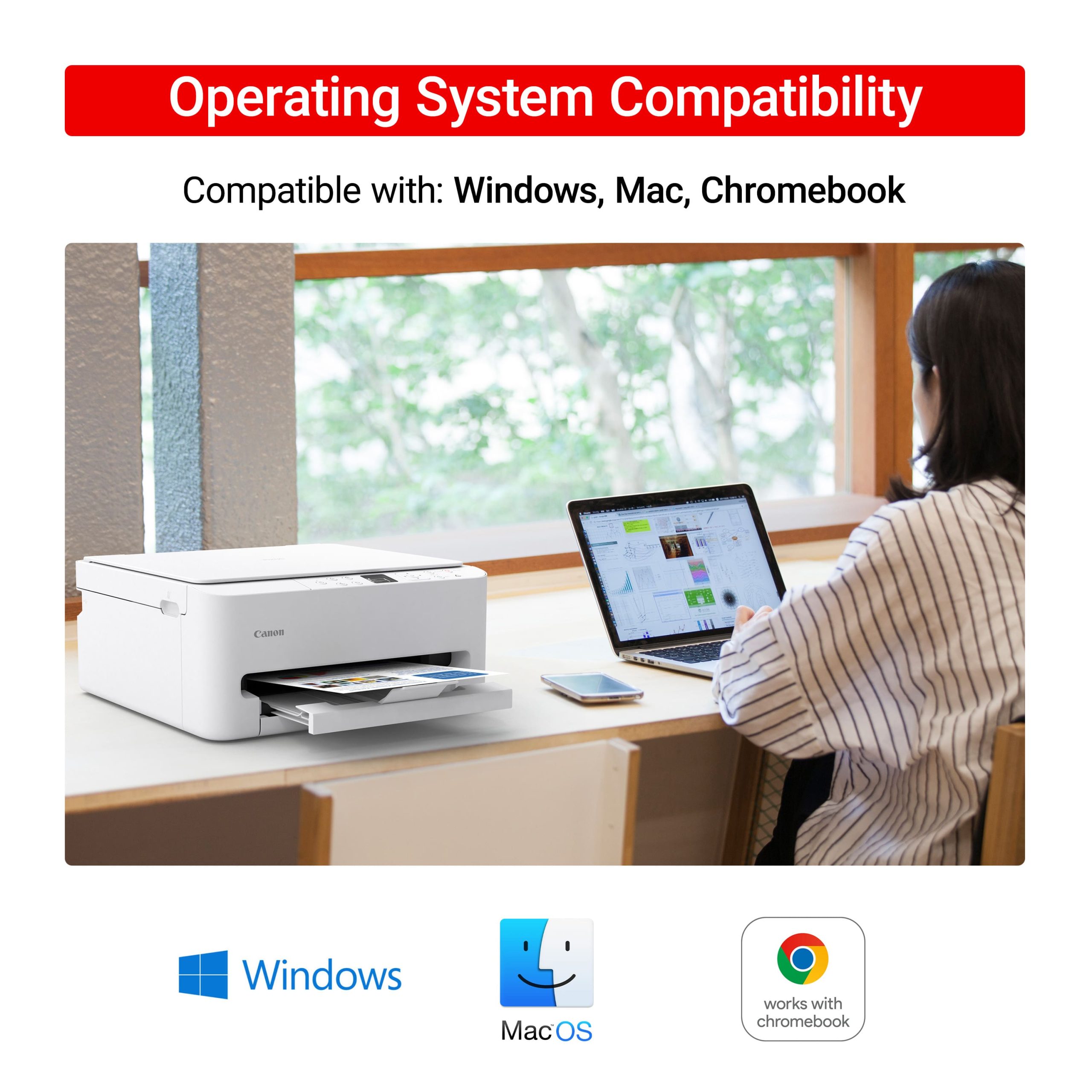
Is the Canon PIXMA TS6520 compatible with Mac and Windows computers?
Yes, this printer is compatible with both Mac and Windows operating systems. Drivers and software are available for download from the Canon website to ensure proper functionality with your computer.
Can I print from my smartphone or tablet with this printer?
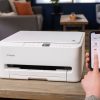
Absolutely, the wireless feature enables printing from iOS and Android devices using the Canon PRINT app or built-in mobile printing services like AirPrint and Google Cloud Print, making it convenient for on-the-go tasks.
How often do I need to replace the ink cartridges?
Ink cartridge replacement frequency depends on usage, but the printer provides ink level monitoring to alert you when supplies are low. Using genuine Canon cartridges ensures optimal performance and print quality.
Reviews
There are no reviews yet.