





Description
Product Overview
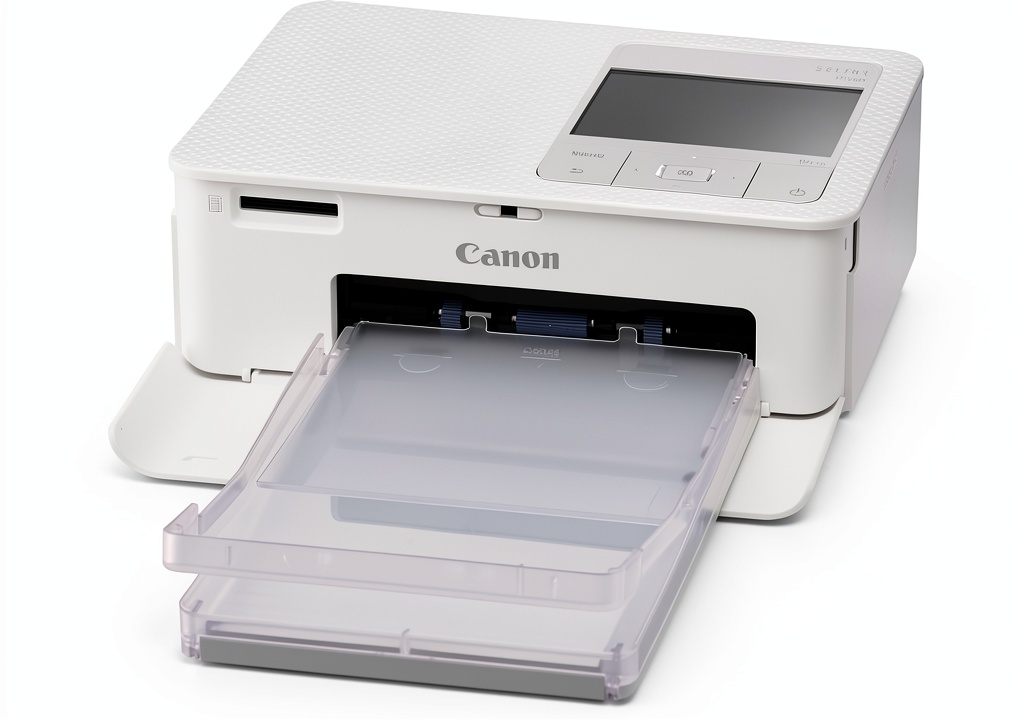
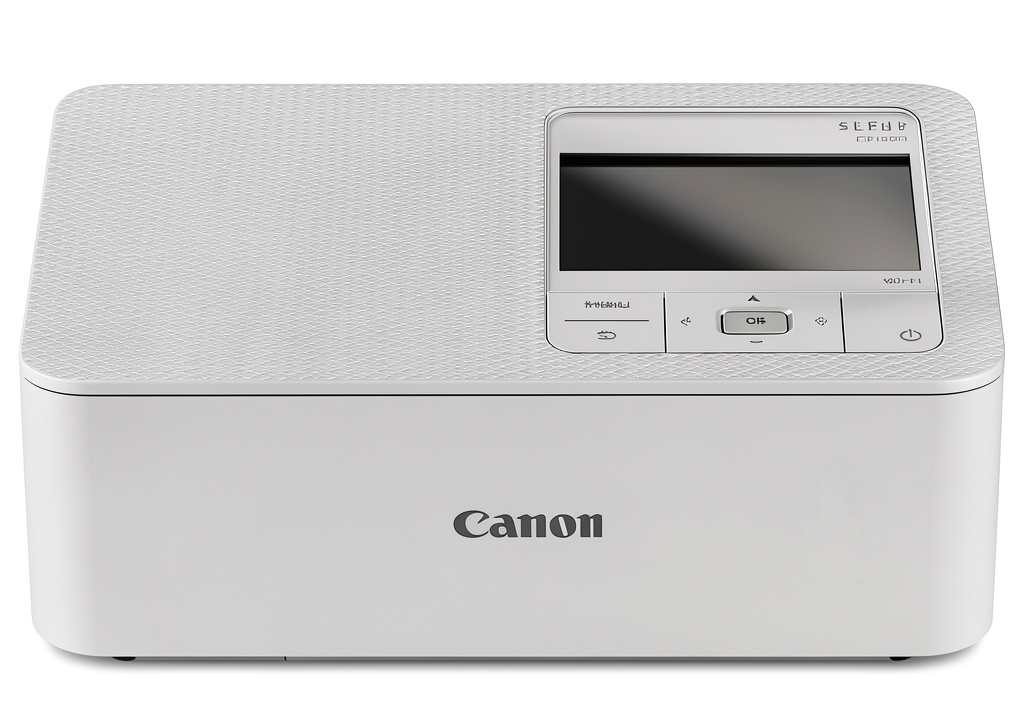
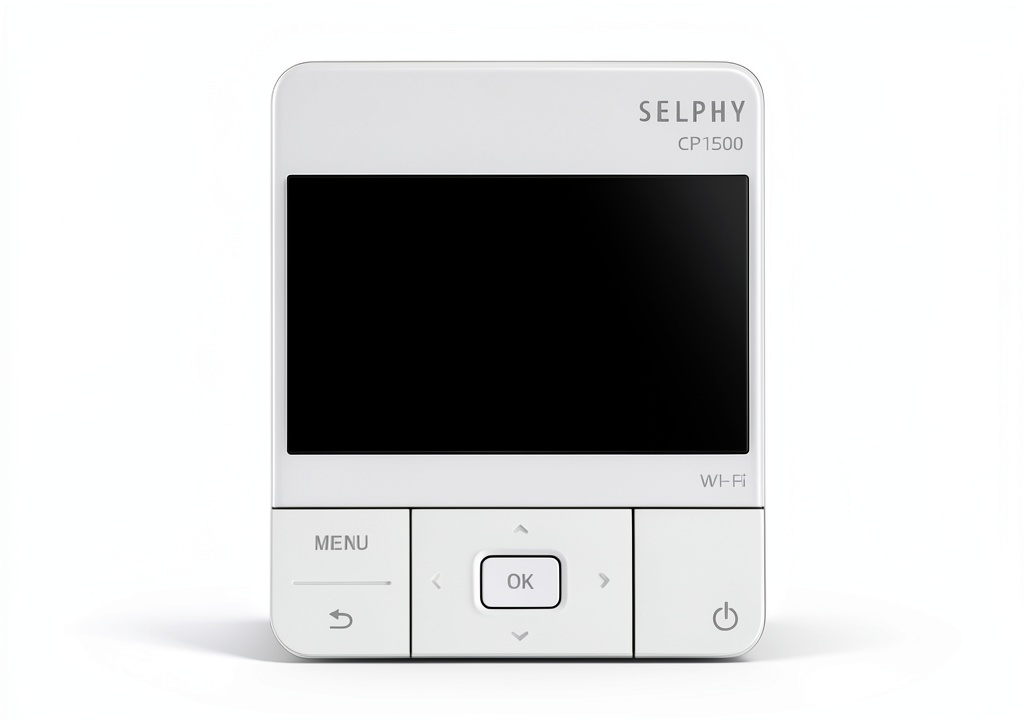
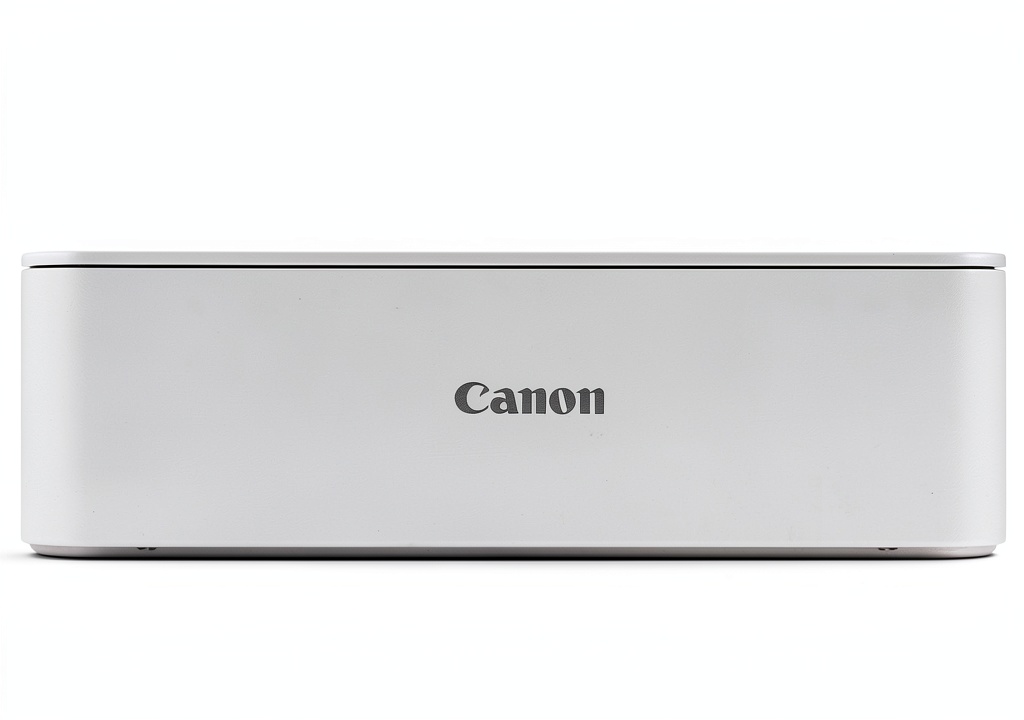
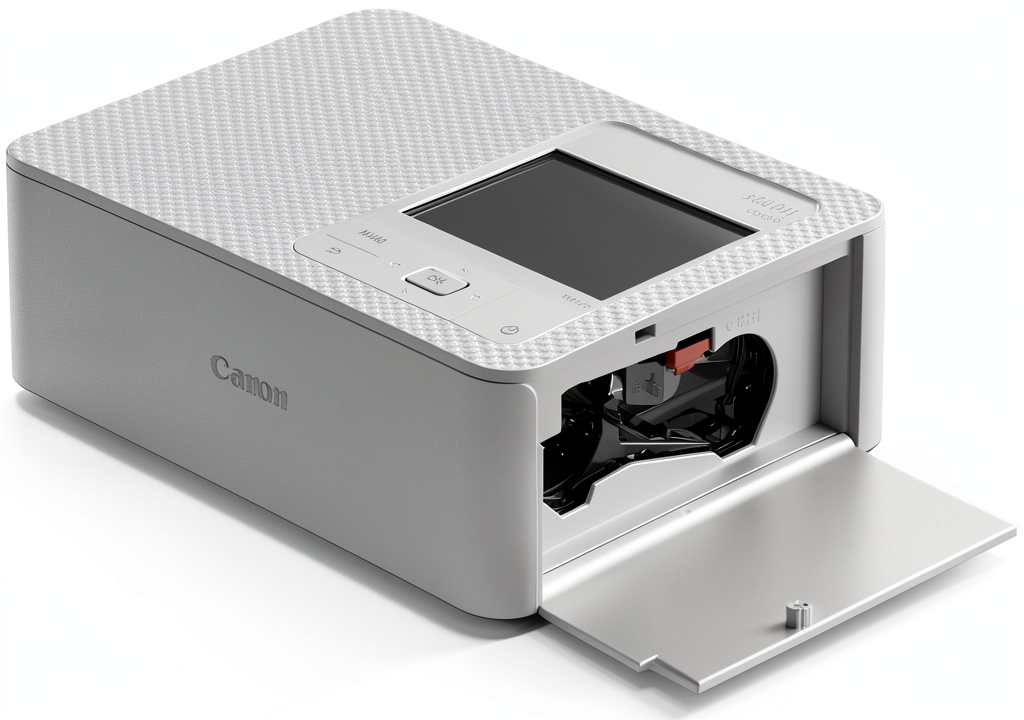
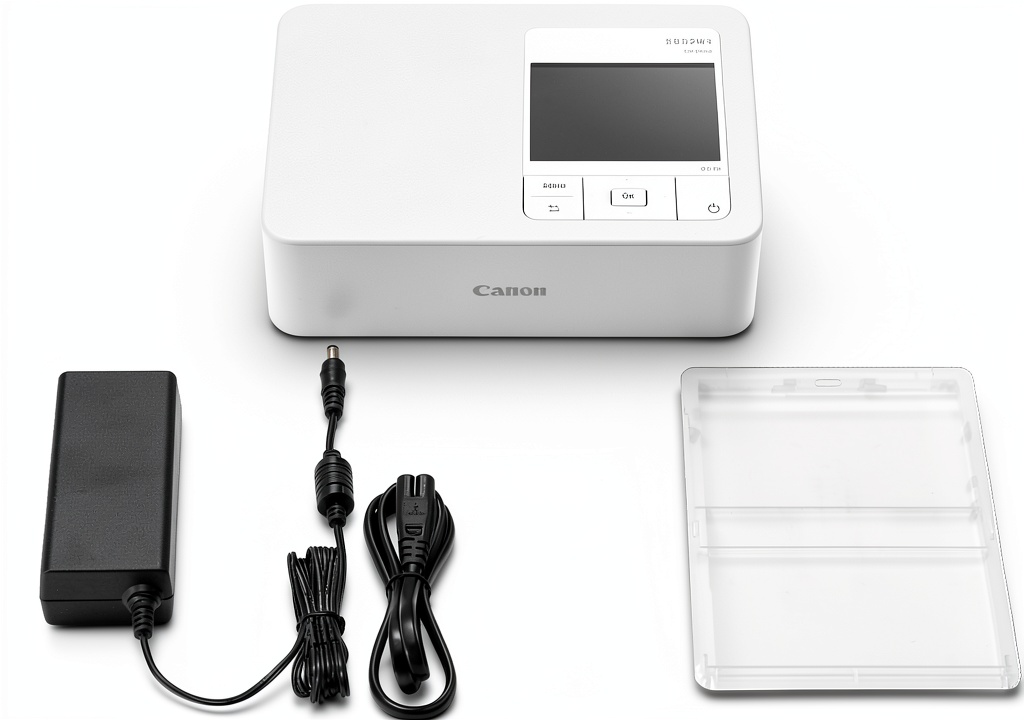
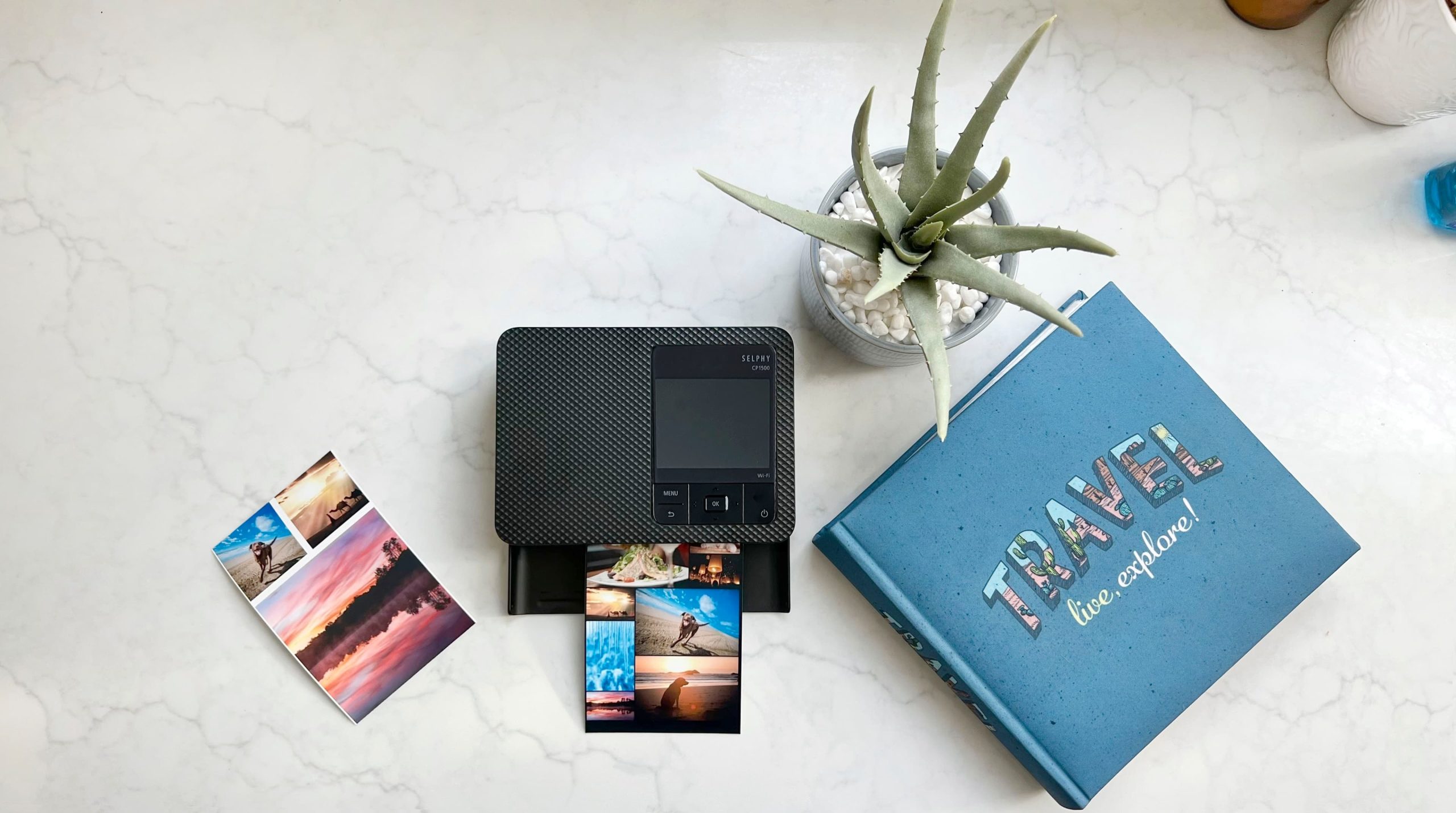
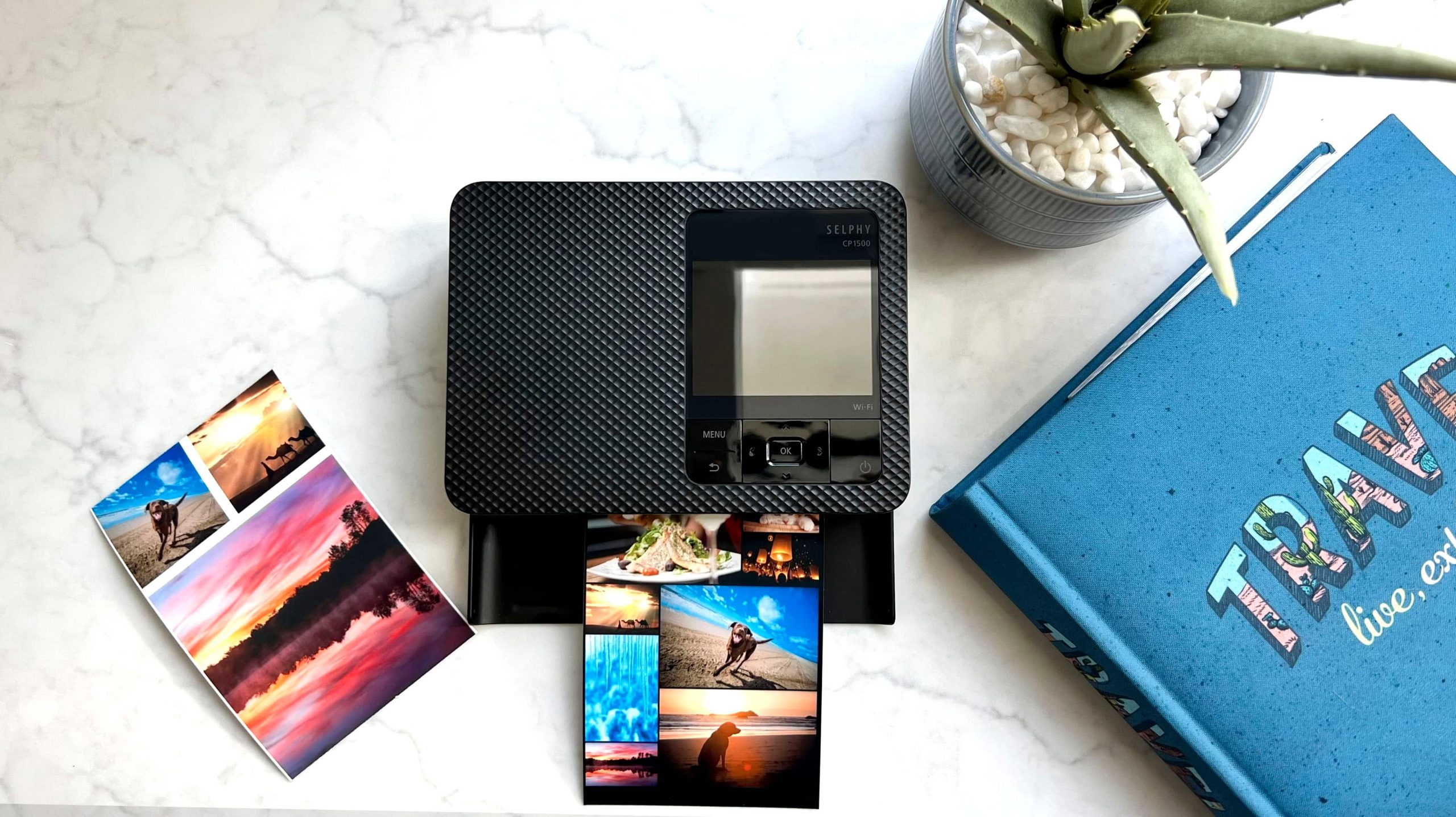
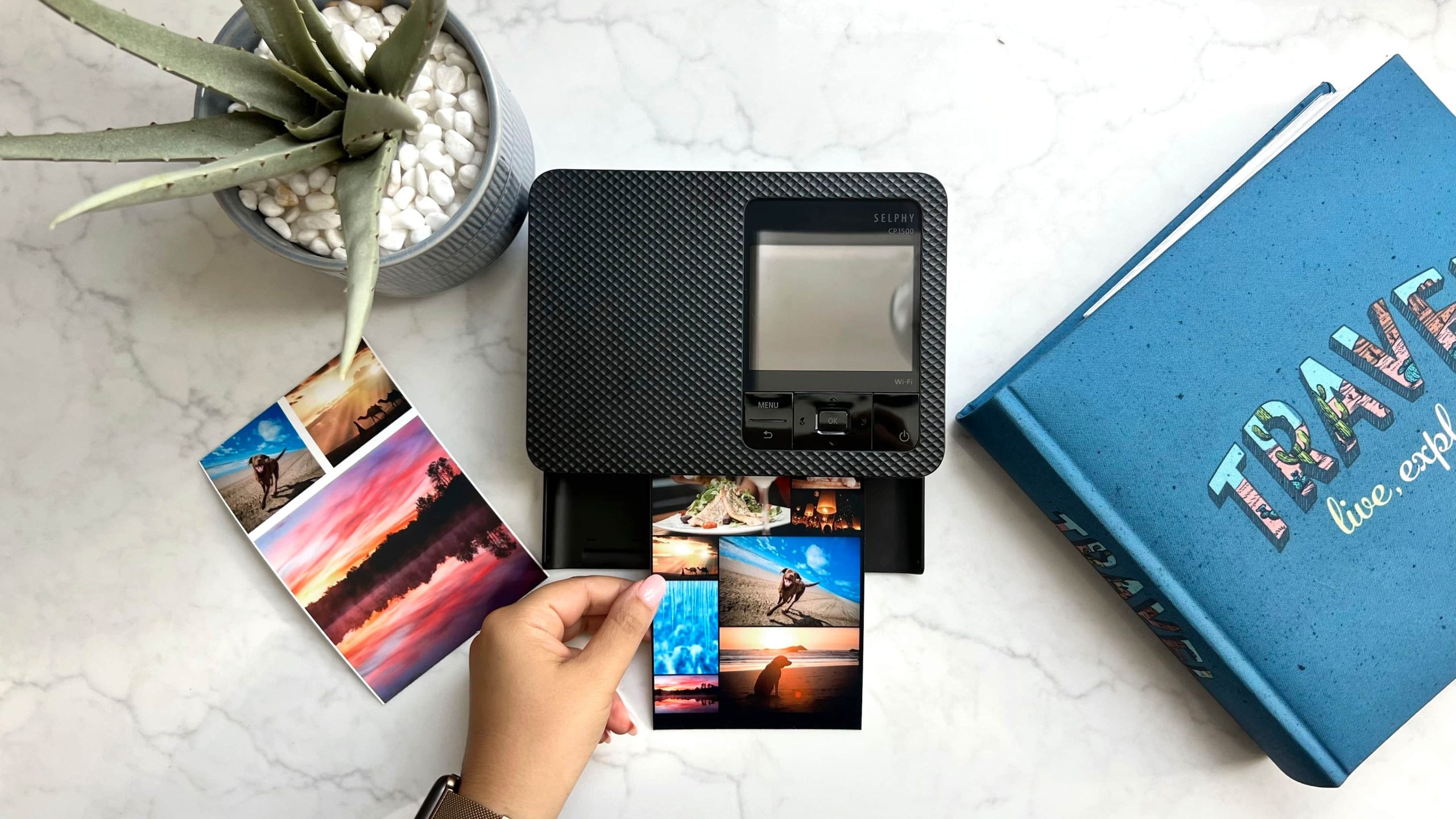
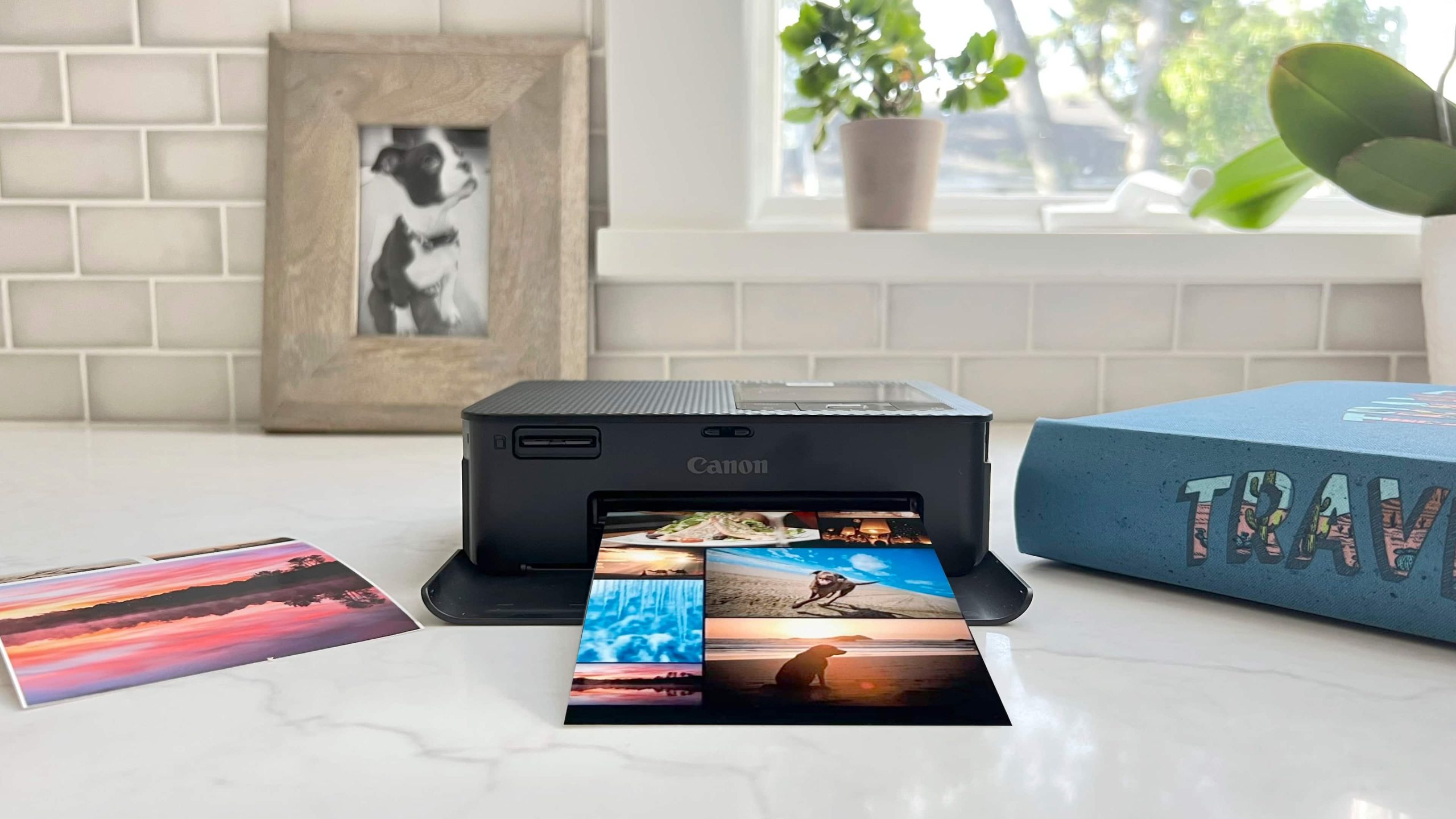
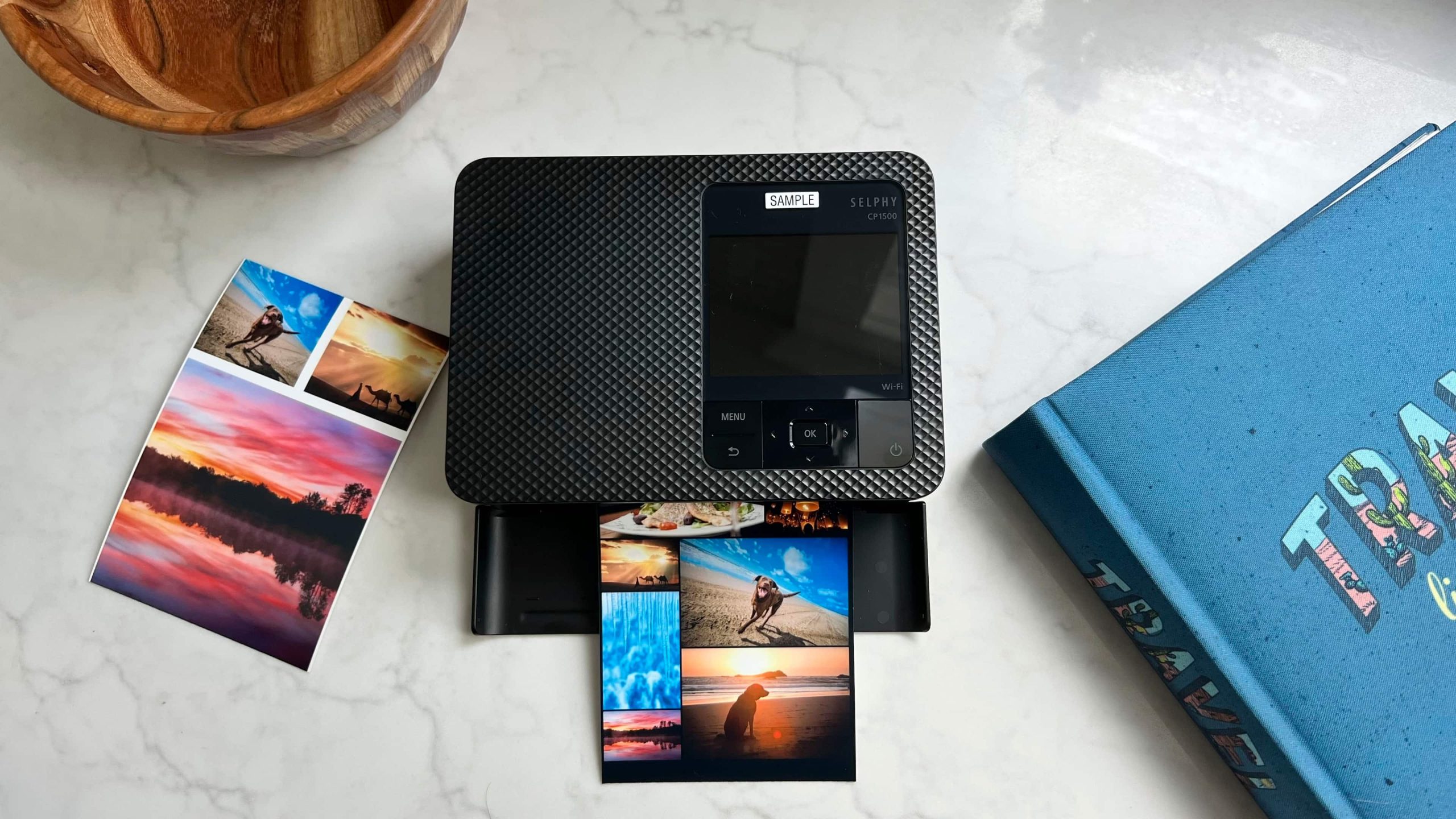
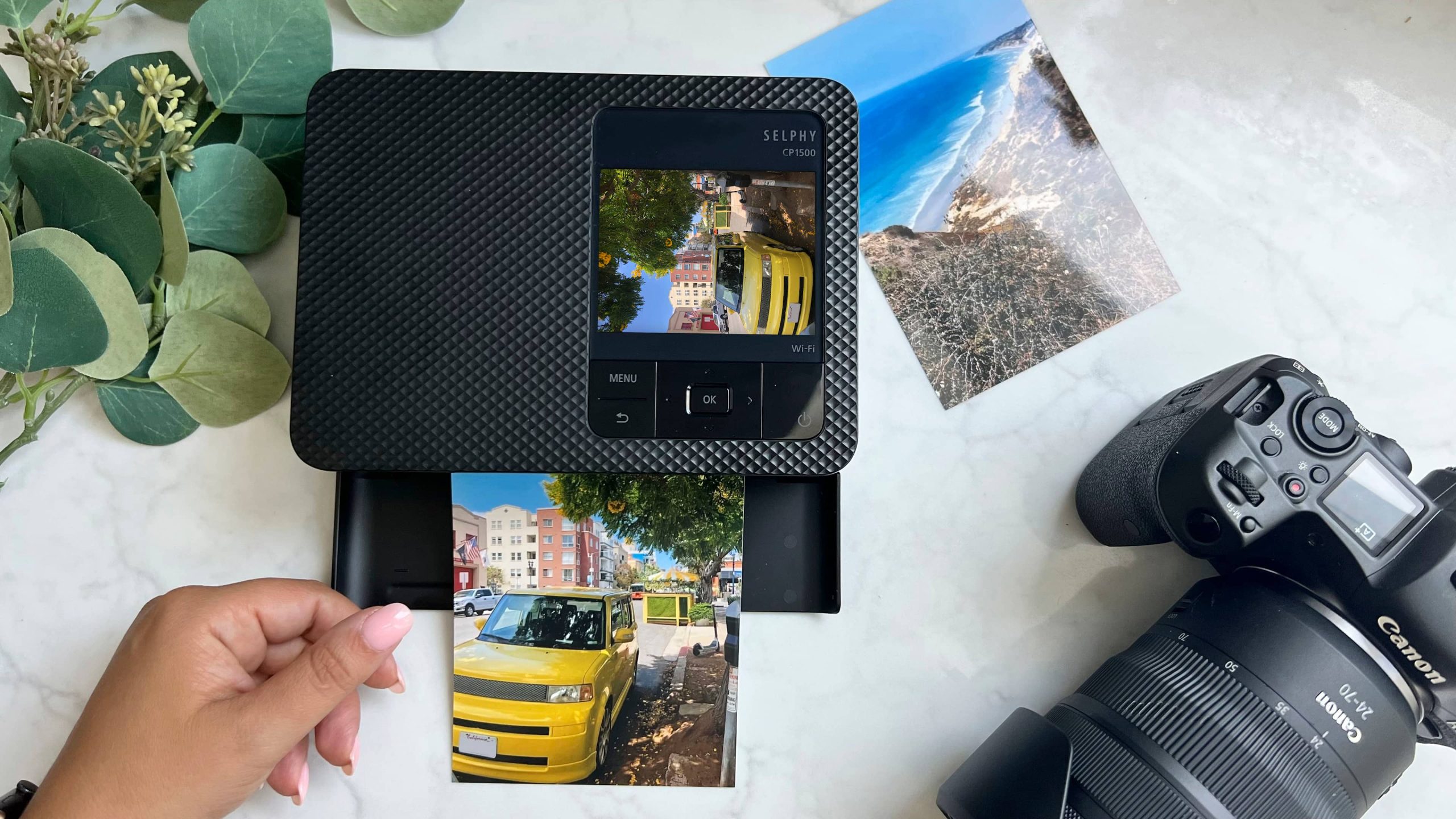
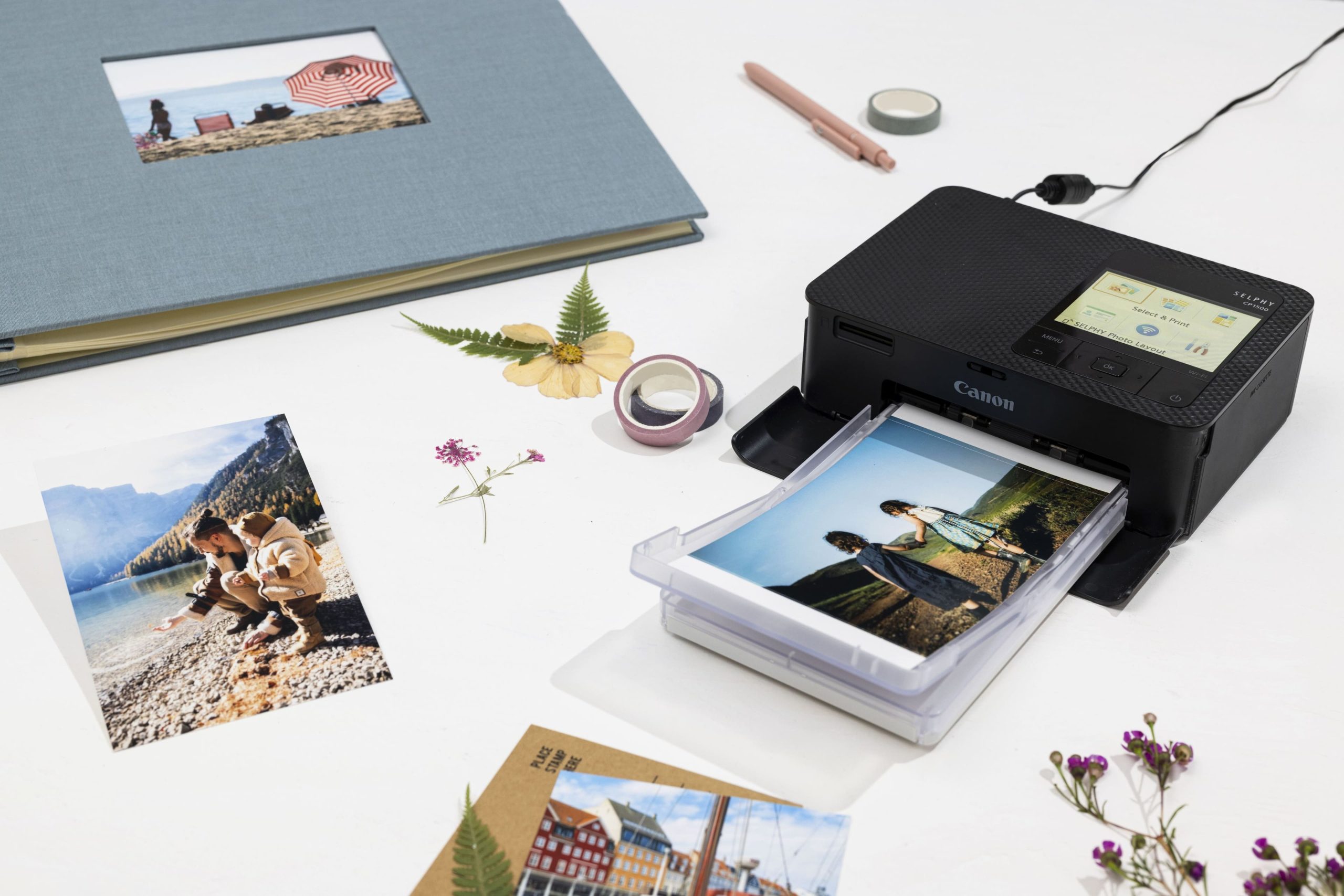
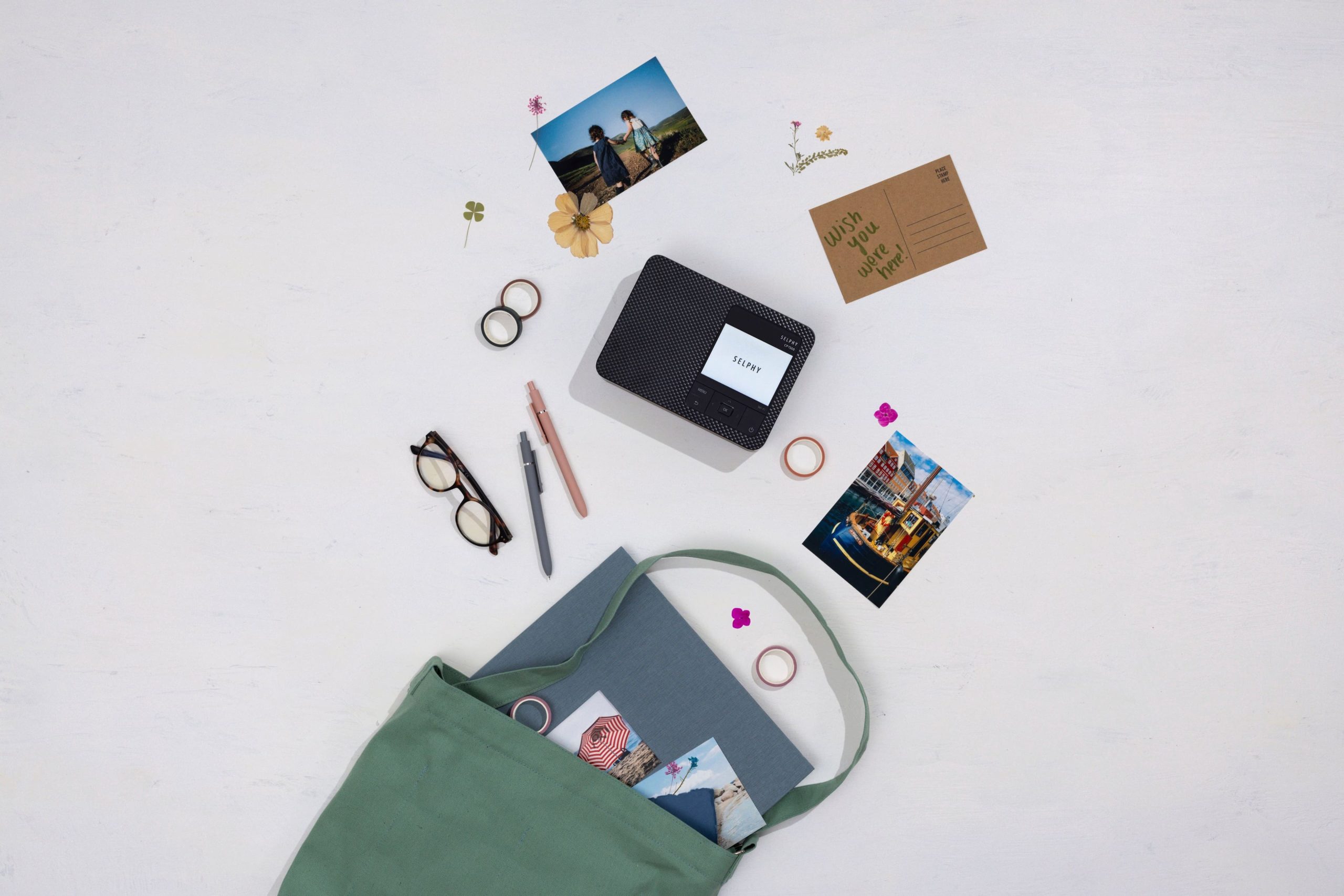
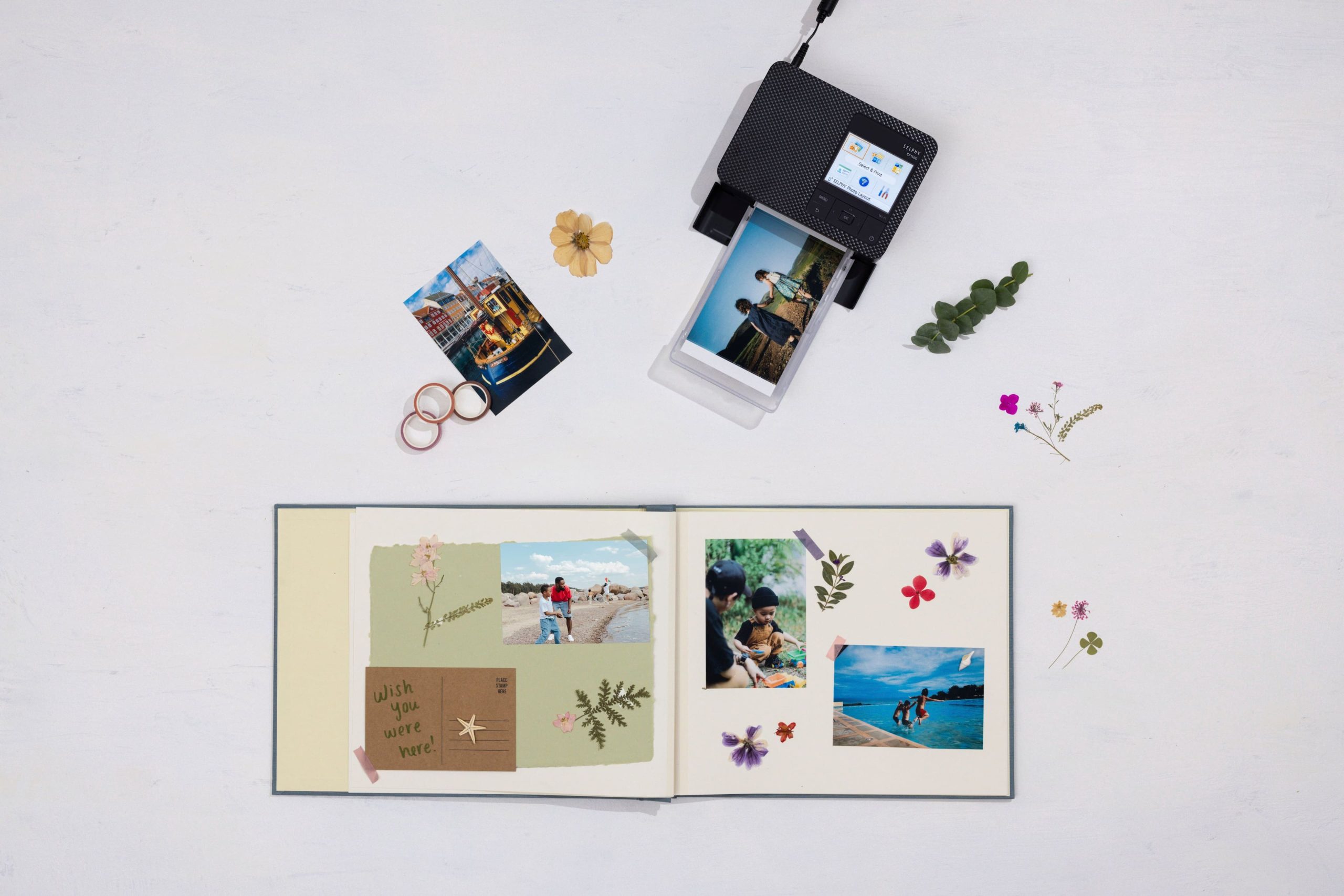
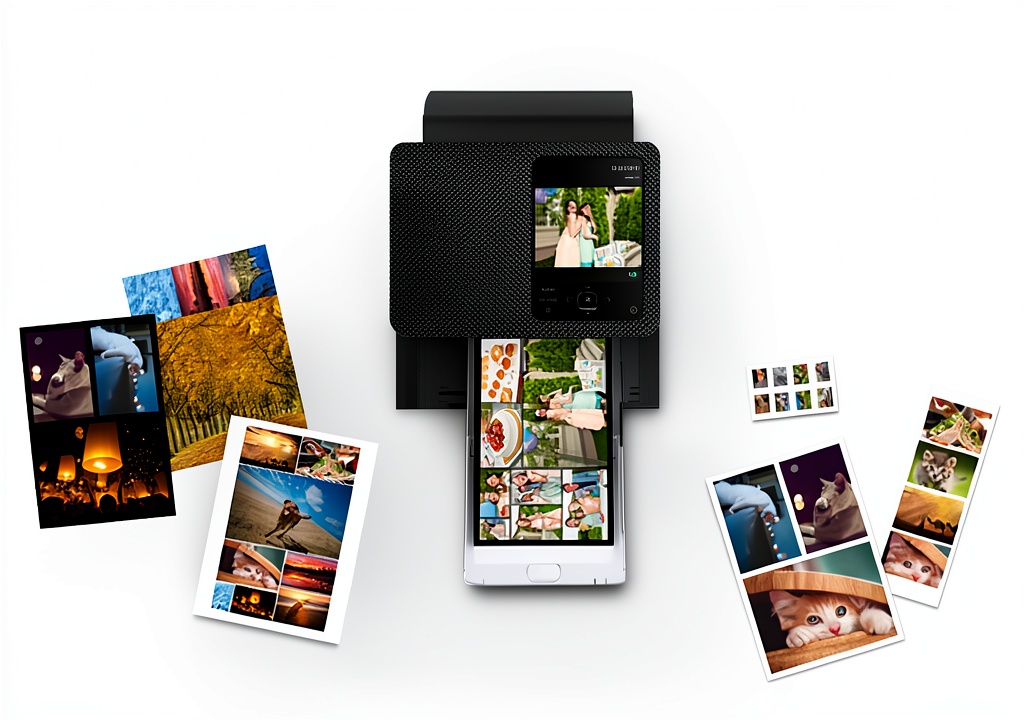
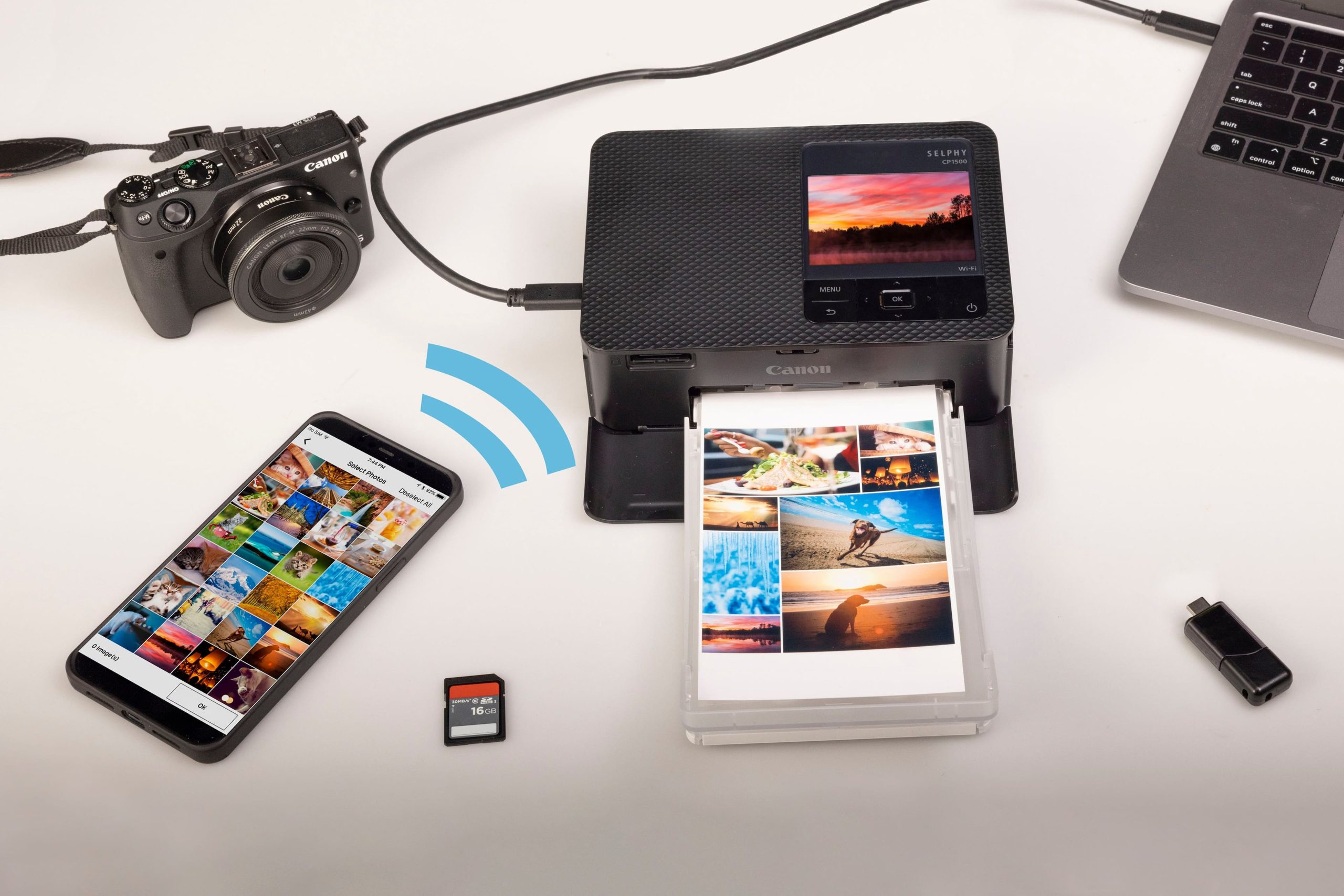
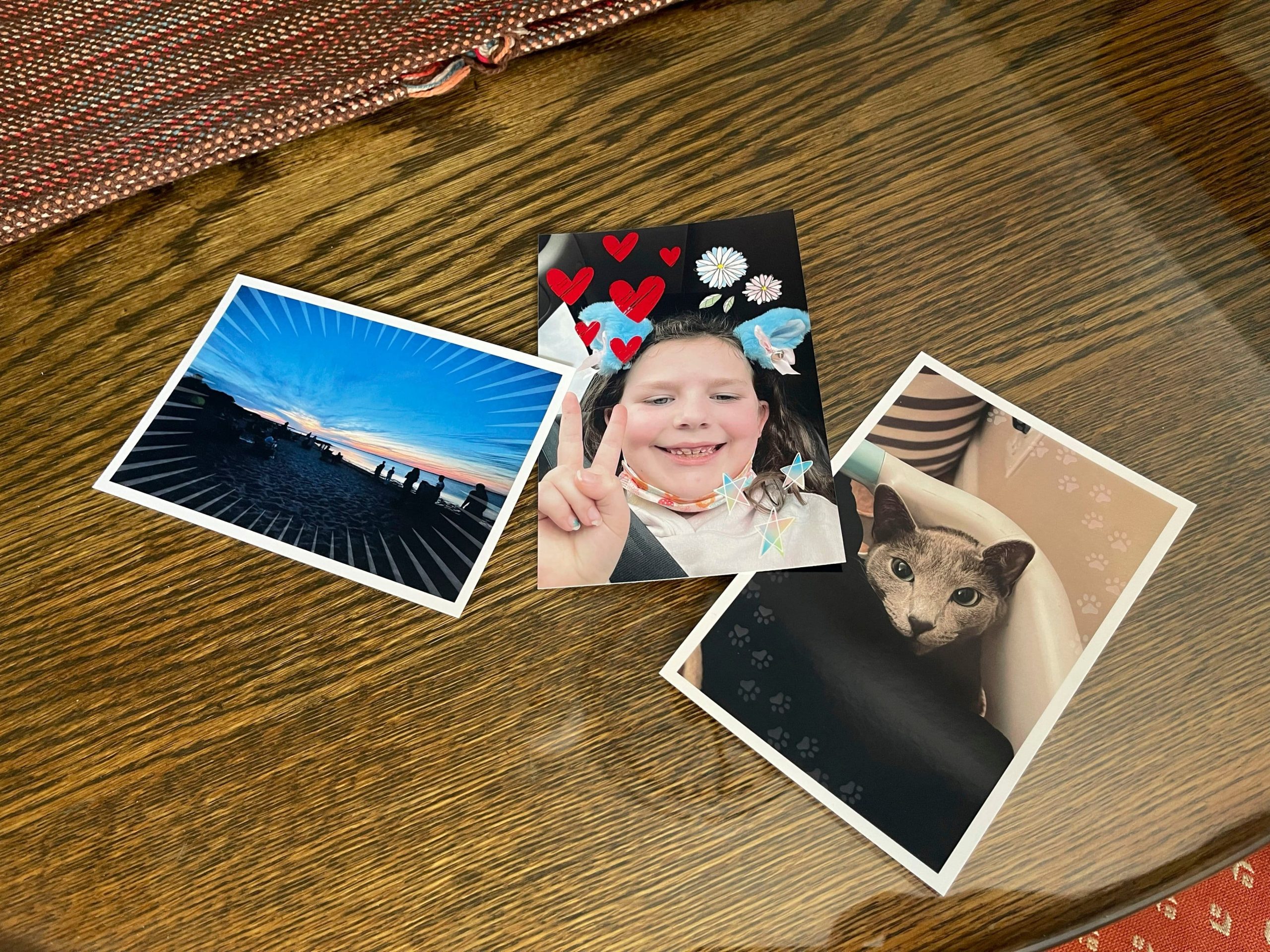
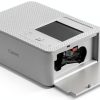
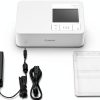
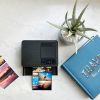
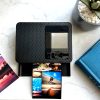
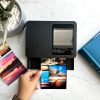
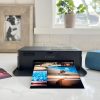
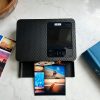
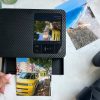
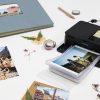
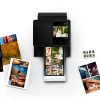
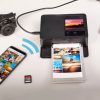
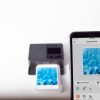
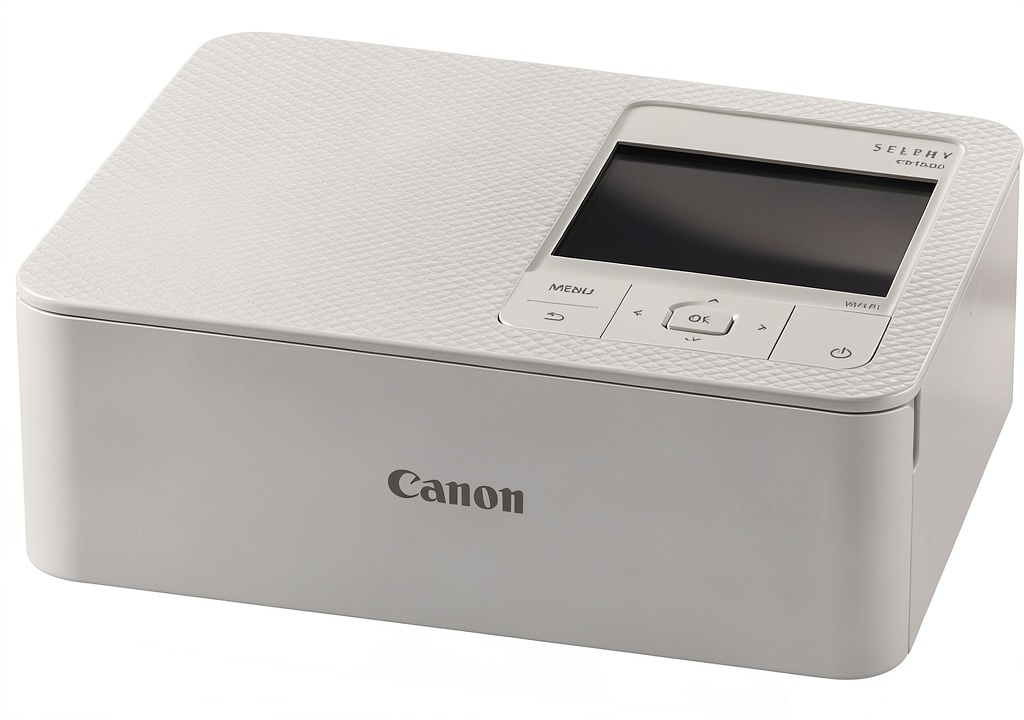
The Canon SELPHY CP1500 Wireless Compact Photo Printer is designed for effortless photo printing from smartphones, tablets, and cameras. It features a sleek, portable build and supports wireless connectivity via Wi-Fi, enabling seamless printing without cables. The printer uses dedicated photo paper and ink to produce smudge-resistant, borderless prints with vivid colors and sharp details. Available in Black and White color options, it fits neatly on desks or shelves, making it a versatile addition to any home or small office setup.
Usage
This printer is ideal for personal use at home, in dorm rooms, or during gatherings where instant photo sharing is desired. It caters to photography enthusiasts, families, and students who want to print photos from social media, events, or digital cameras quickly. The wireless functionality allows multiple users to connect and print simultaneously, enhancing convenience for group activities or solo creative projects.
Why Choose Us
Canon’s SELPHY CP1500 stands out with its reliable print quality and user-friendly design, backed by Canon’s reputation for durable imaging products. It offers consistent performance with minimal maintenance, and its compact size does not compromise on output quality. The printer’s compatibility with various devices and dedicated support ensures a smooth, long-term printing experience.
Key Features
- Wireless connectivity for printing from smartphones and cameras
- Compact and portable design for easy storage and transport
- High-quality, borderless photo prints with vibrant colors
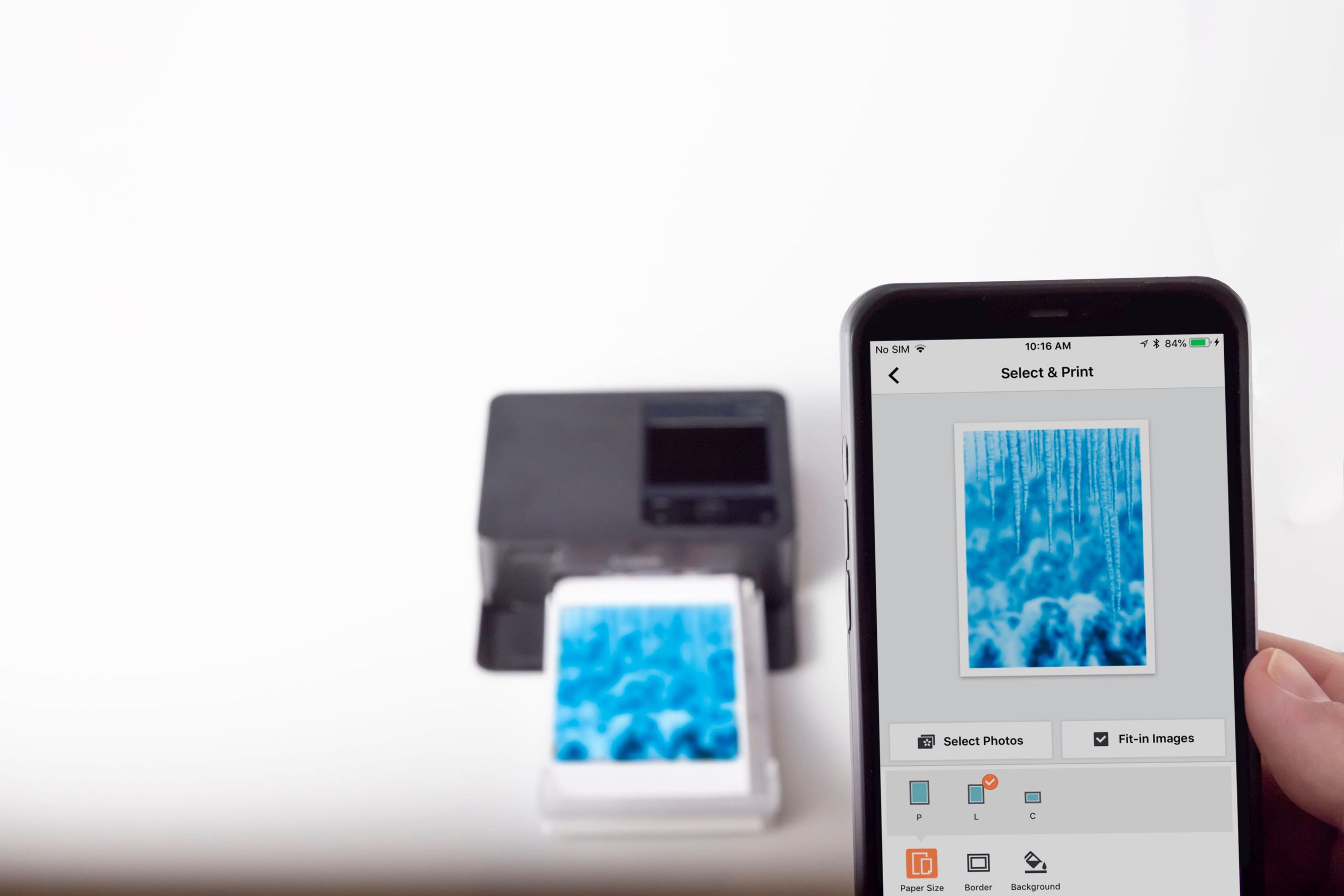
- Simple operation with intuitive controls and mobile app support
- Durable construction ensuring long-lasting reliability
FAQ
What devices are compatible with the Canon SELPHY CP1500?
The printer works with iOS and Android smartphones, tablets, and digital cameras via Wi-Fi connection, allowing easy printing from most modern devices.
How long does it take to print a photo?
It typically prints a standard photo in under a minute, providing quick results for instant sharing and keepsakes.
Can I use third-party paper with this printer?
For optimal results, it is recommended to use Canon-specific photo paper and ink to maintain print quality and prevent damage.
Is the printer easy to set up for first-time users?
Yes, the setup process is straightforward with guided instructions and a companion app, making it accessible even for beginners.
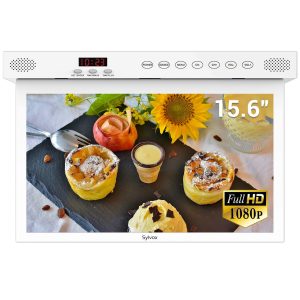 Sylvox Kitchen Smart TV Google TV Rotating Screen
 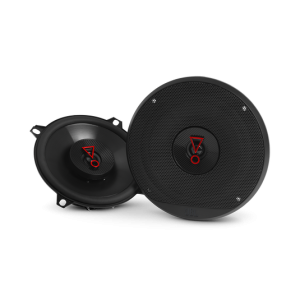 JBL STAGE3527AM 5 1/4 Car Audio Speaker Black
Reviews
There are no reviews yet.