
Description
Product Overview
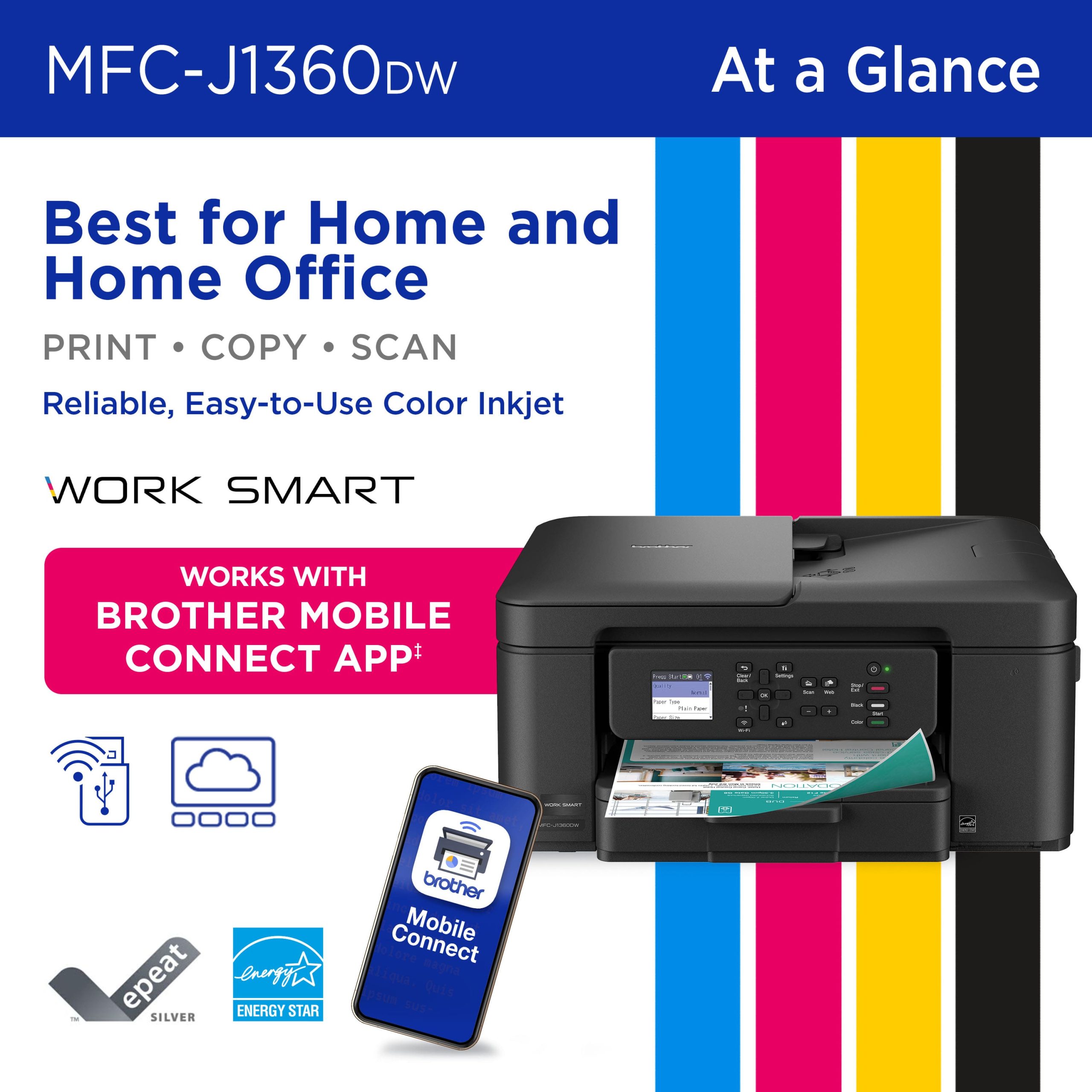
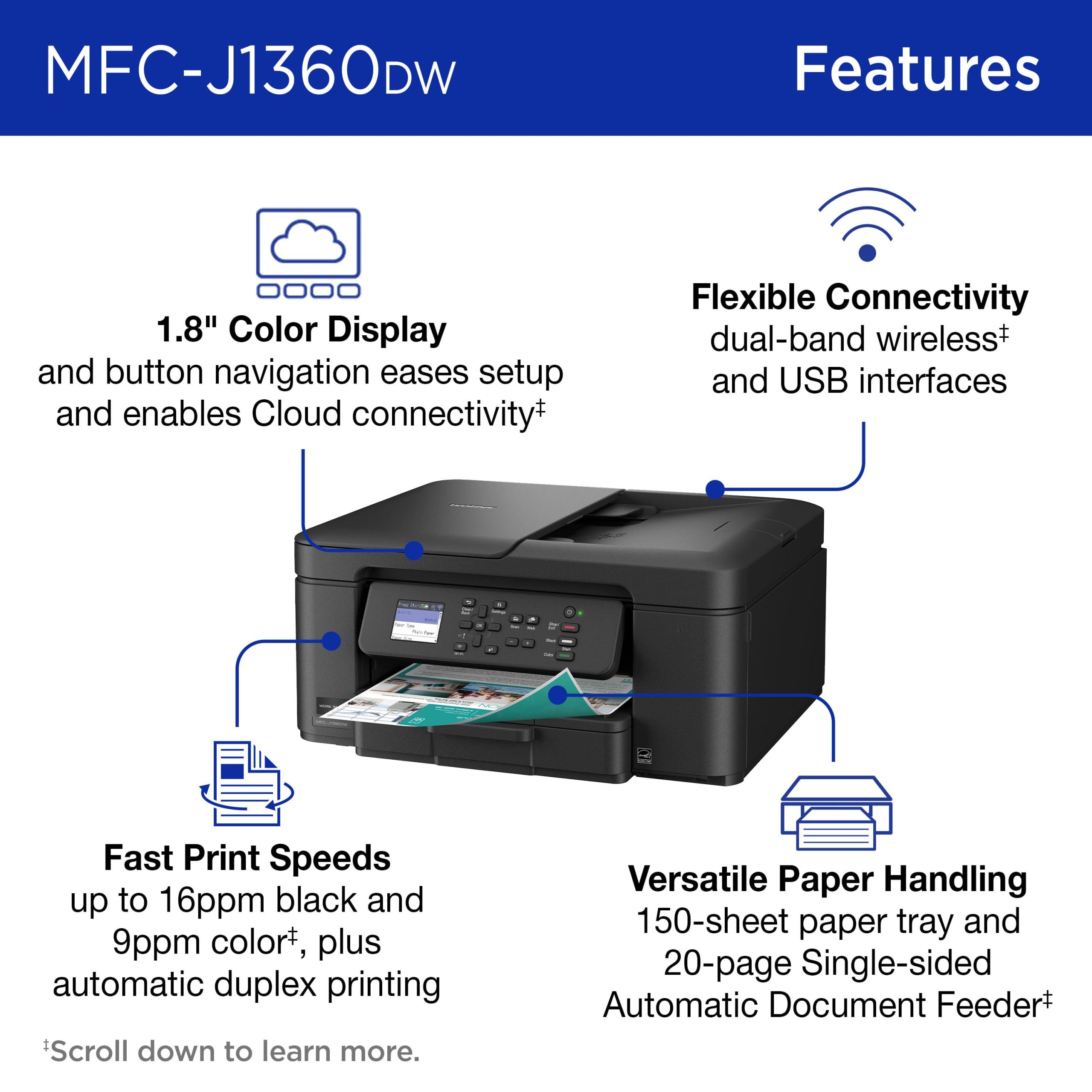
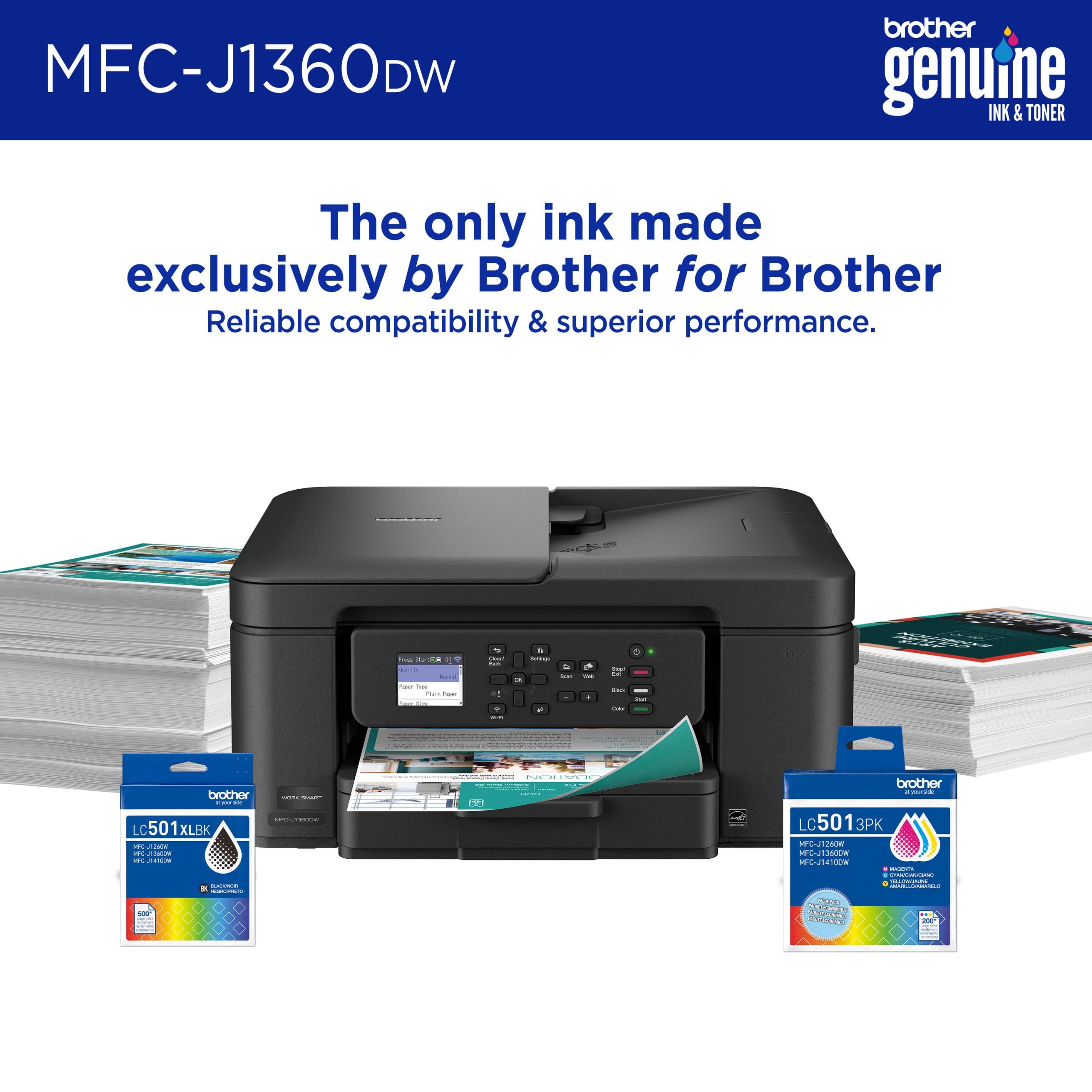
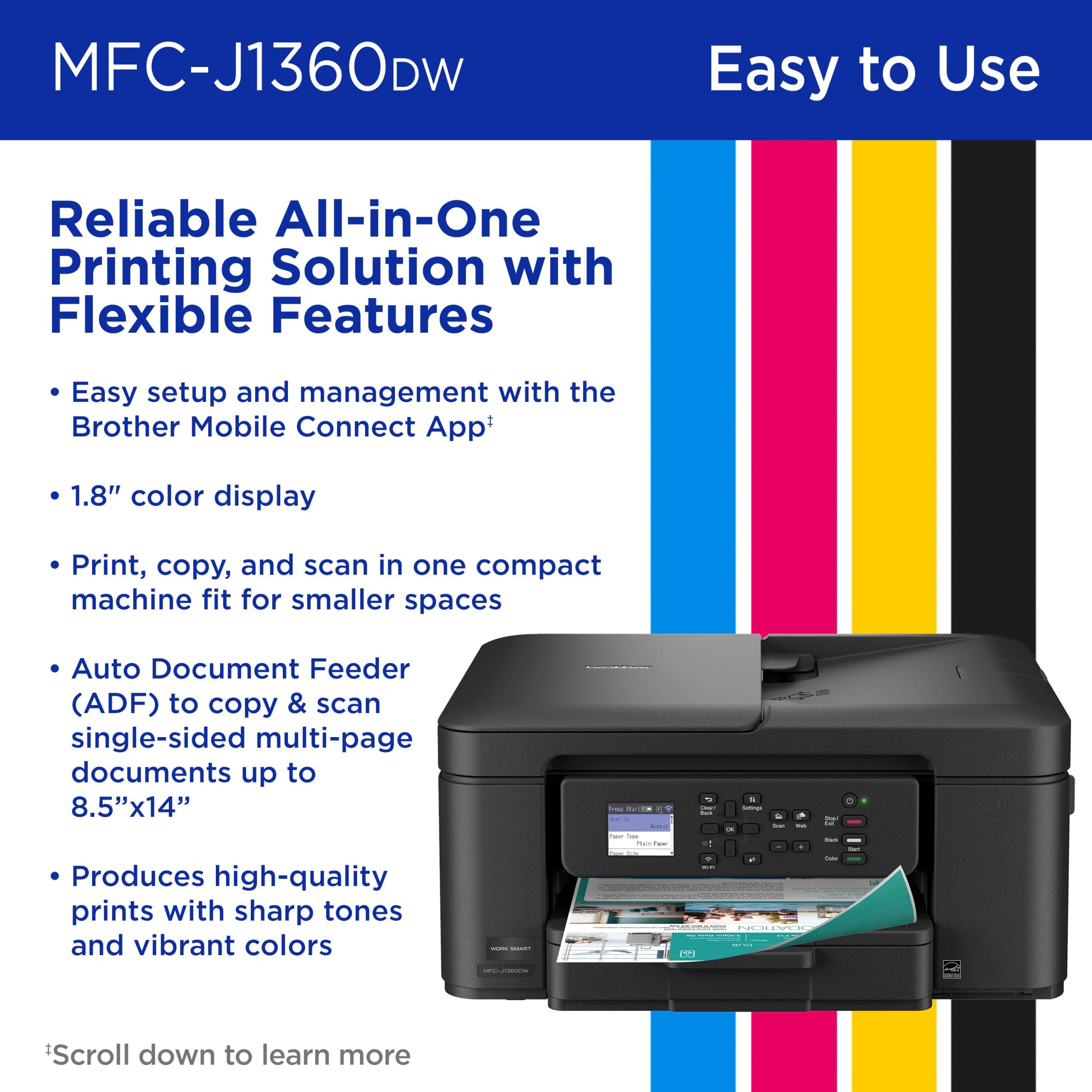
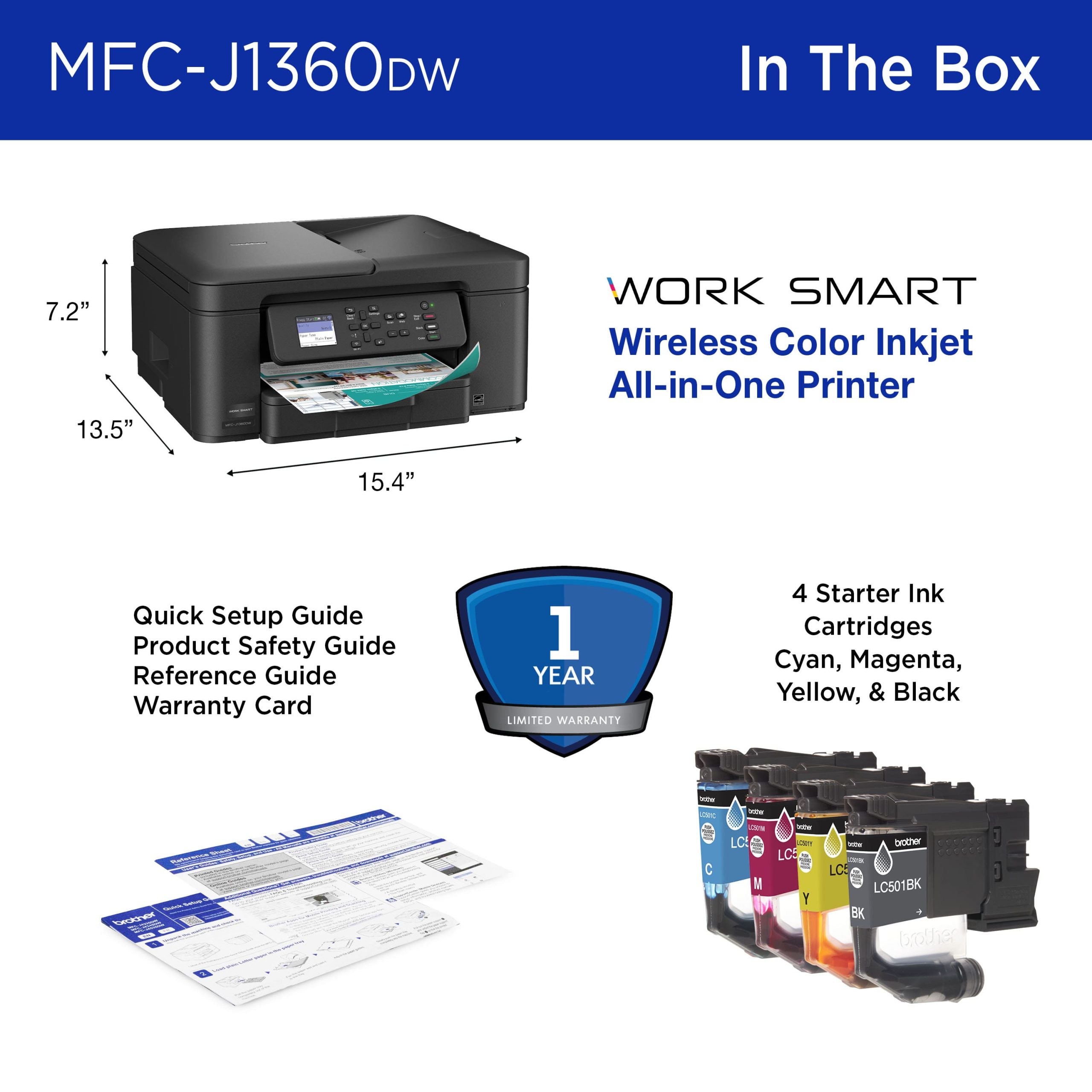
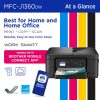
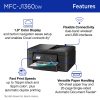
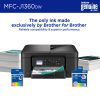
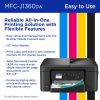
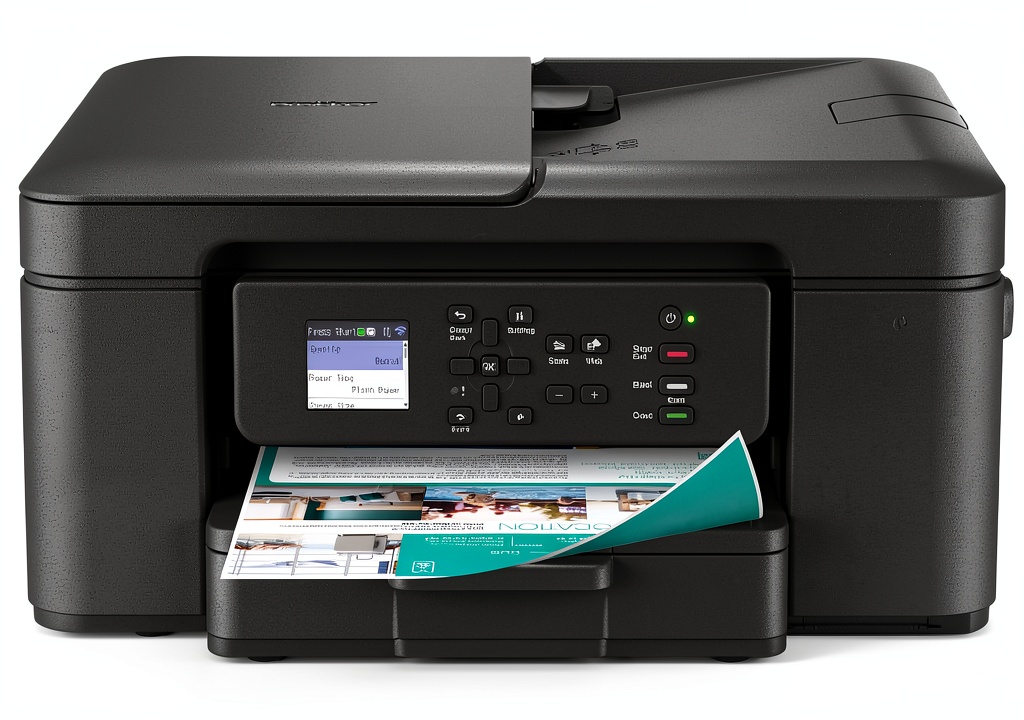
The Brother MFC-J1360DW is a comprehensive all-in-one inkjet printer designed to handle printing, copying, and scanning tasks efficiently. It features a compact build that saves space while delivering robust performance with print speeds up to 16 ppm in black and 9 ppm in color. The printer includes a 1.8-inch color display for easy navigation, supports automatic duplex printing, and comes with a 20-sheet automatic document feeder and a 150-sheet paper tray. Connectivity options include wireless networking and USB, making it adaptable to various setups. Built with Brother Genuine LC501 ink cartridges, it ensures reliable output and vibrant prints for documents and photos.
Usage
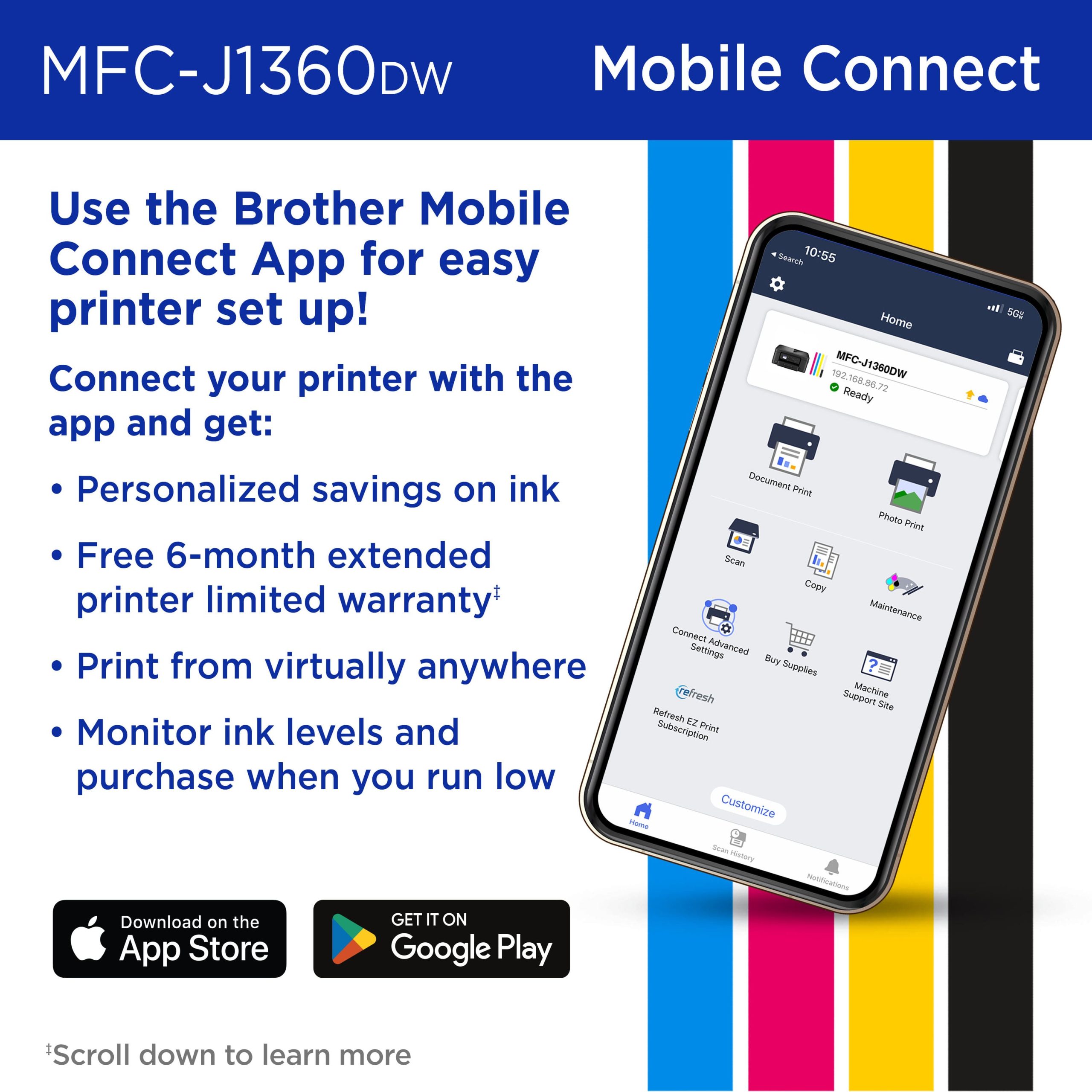
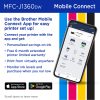
This printer is ideal for home offices, small businesses, and students who need a reliable device for everyday printing, copying, and scanning. It excels in environments where space is limited but productivity is essential, such as remote work setups or study areas. Users can print from mobile devices via the Brother Mobile Connect app or directly from cloud services like Google Drive and Dropbox, streamlining workflow and reducing clutter. The automatic duplex printing and document feeder support handling multi-page tasks efficiently, making it suitable for reports, assignments, and business documents.
Why Choose Us
Brother printers are known for their durability and consistent performance, backed by extensive customer support and genuine ink cartridges engineered for optimal compatibility. The MFC-J1360DW stands out with its cloud app integration, which allows seamless access to digital files without complex setups. Additionally, the Brother Page Gauge feature helps monitor ink levels to prevent unexpected shortages, ensuring uninterrupted operation. This model combines affordability with advanced features, offering excellent value for users seeking a dependable all-in-one solution without compromising on quality or functionality.
Key Features
- All-in-one functionality for printing, copying, and scanning in a compact design
- Wireless and USB connectivity options for flexible installation
- Automatic duplex printing and 20-sheet automatic document feeder for efficiency
- Compatibility with cloud apps and mobile printing via Brother Mobile Connect
- Fast print speeds and reliable output with Brother Genuine Ink
FAQ
What is included in the box with the Brother MFC-J1360DW?
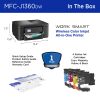
The printer comes with starter black, cyan, magenta, and yellow ink cartridges, each rated for approximately 200 pages, along with an AC power cord, product safety guide, reference guide, warranty card, and quick setup guide.
Can I print from my smartphone or tablet with this printer?
Yes, the Brother Mobile Connect app enables printing, copying, scanning, and device management directly from your mobile device, and the printer supports wireless connectivity for easy access.
Does this printer support two-sided printing automatically?
Yes, it includes automatic duplex printing, allowing you to print on both sides of the paper without manual intervention, saving time and paper.
How do I monitor ink levels to avoid running out?
The Brother Page Gauge feature provides ink usage monitoring, helping you track remaining ink and plan for replacements to prevent interruptions during printing tasks.
Is this printer compatible with cloud storage services?
Yes, it supports printing from and scanning to popular cloud apps such as Google Drive, Dropbox, Box, and OneDrive, accessible through the printer’s color display.
Reviews
There are no reviews yet.