




Description
Product Overview
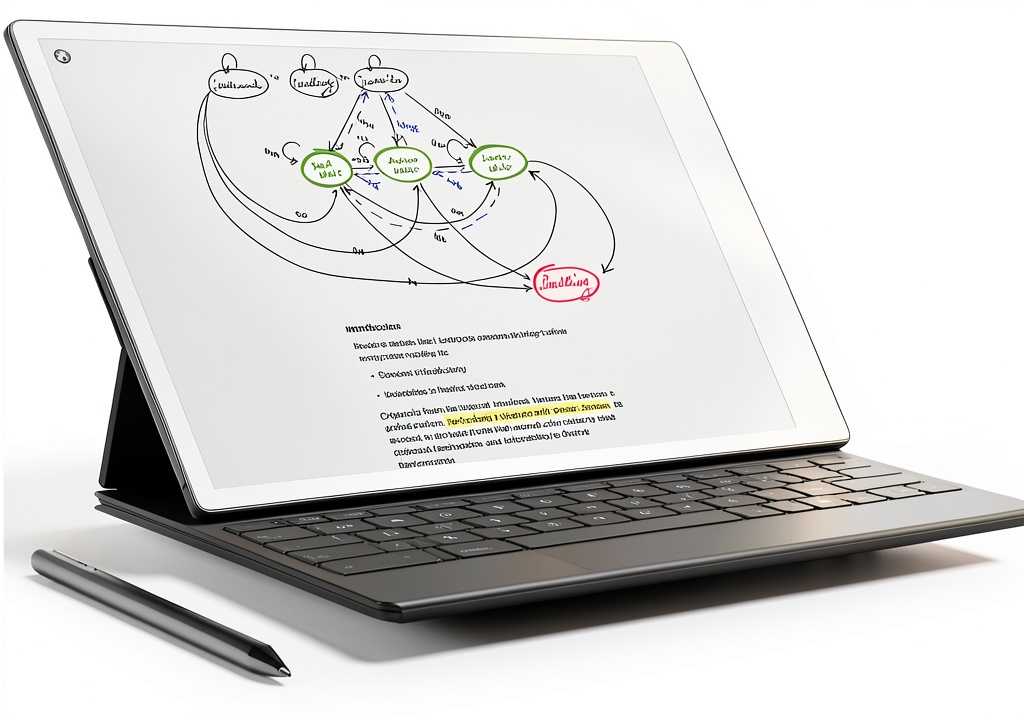
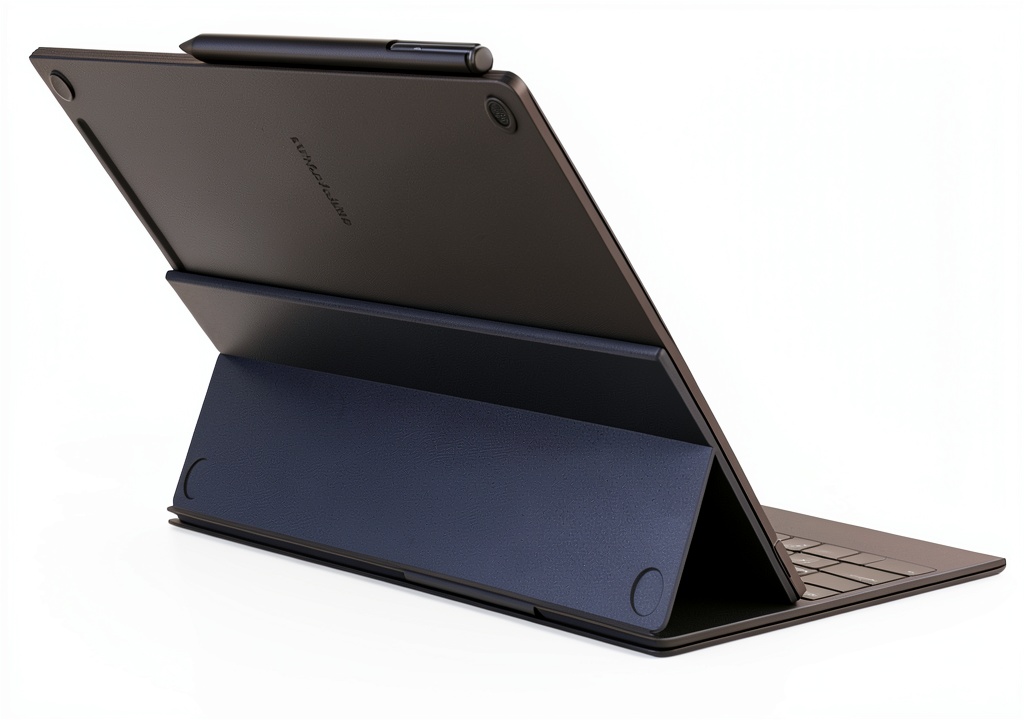
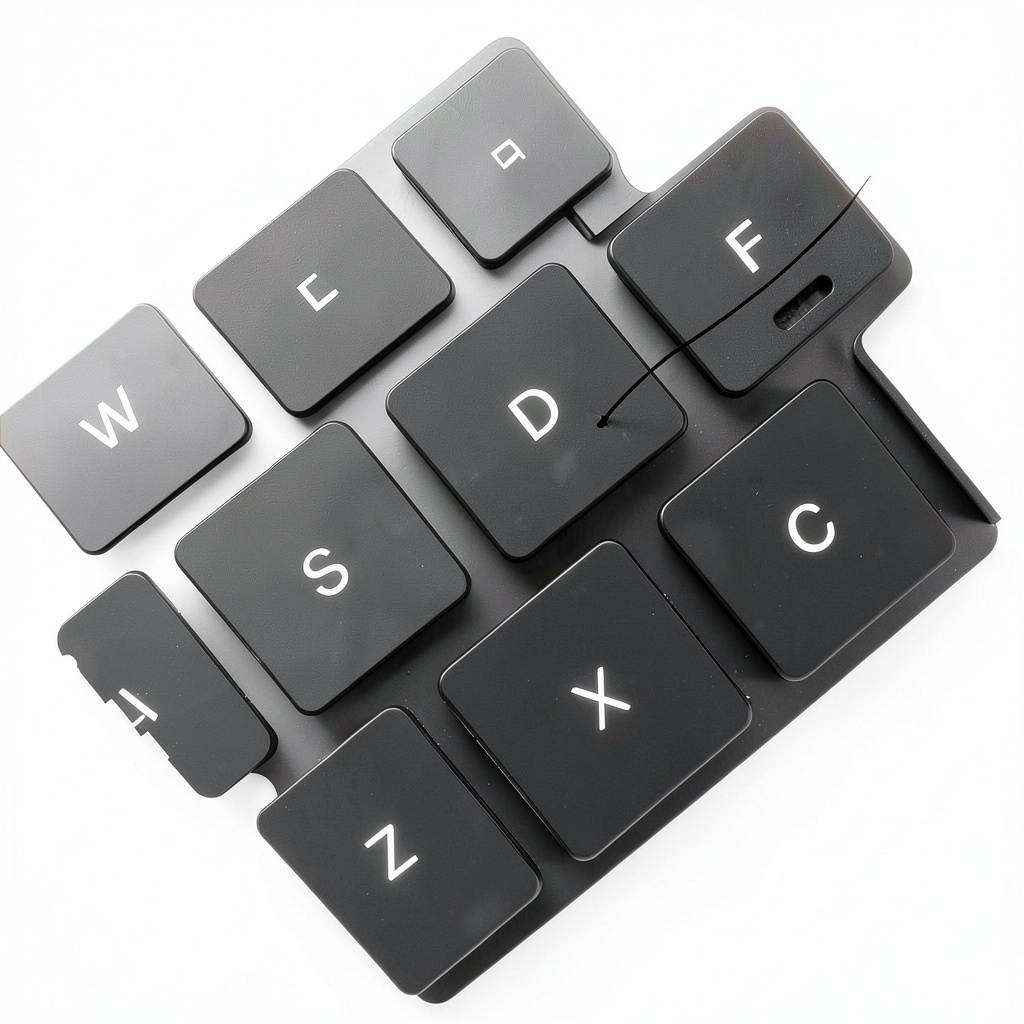
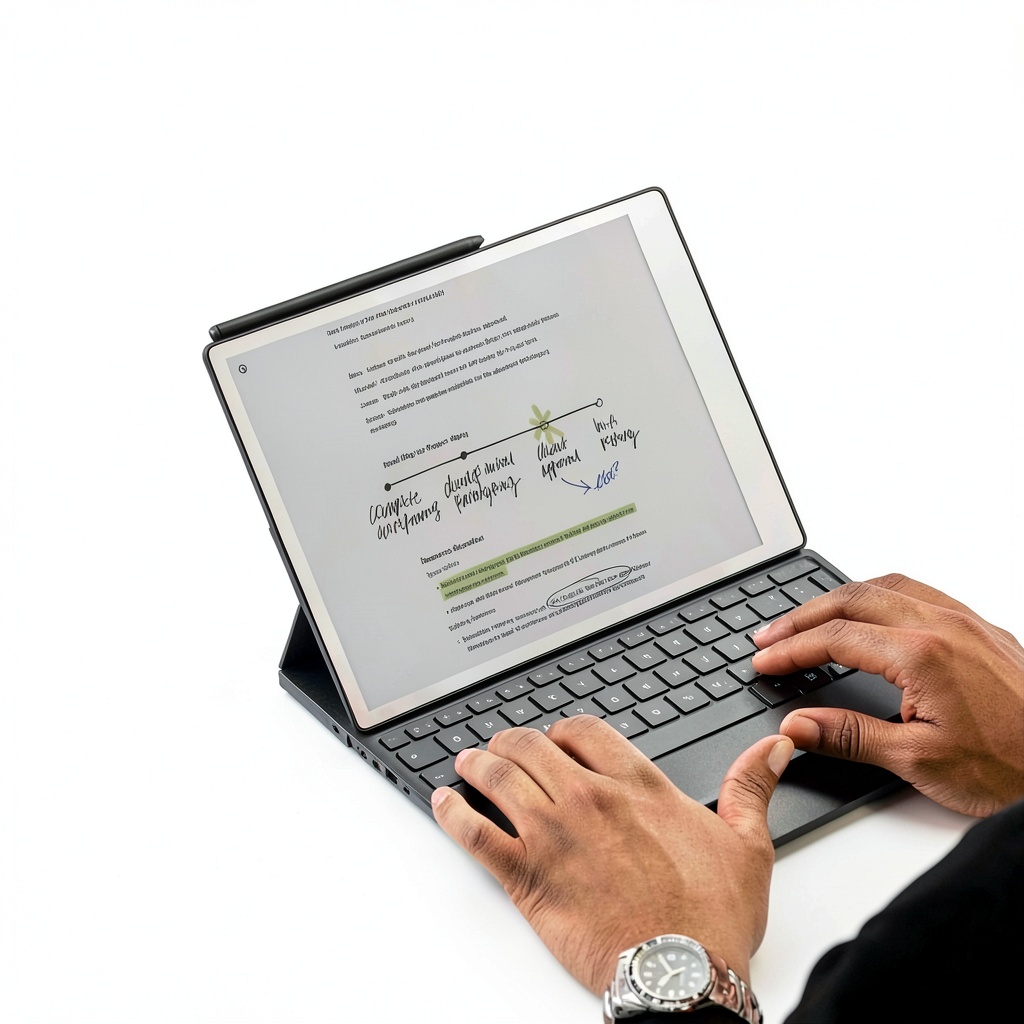
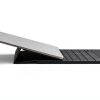
The reMarkable Paper Pro with Type Folio is designed to merge the tactile experience of handwriting with the efficiency of typing on a single device. It features a high-quality keyboard that attaches seamlessly, allowing users to write or type on the same digital page without interruptions. Crafted from durable materials, it ensures long-lasting use with a focus on ergonomic design for comfort during extended sessions. Key specifications include compatibility with the reMarkable ecosystem, a responsive typing interface, and a paper-like display that reduces eye strain.
Usage
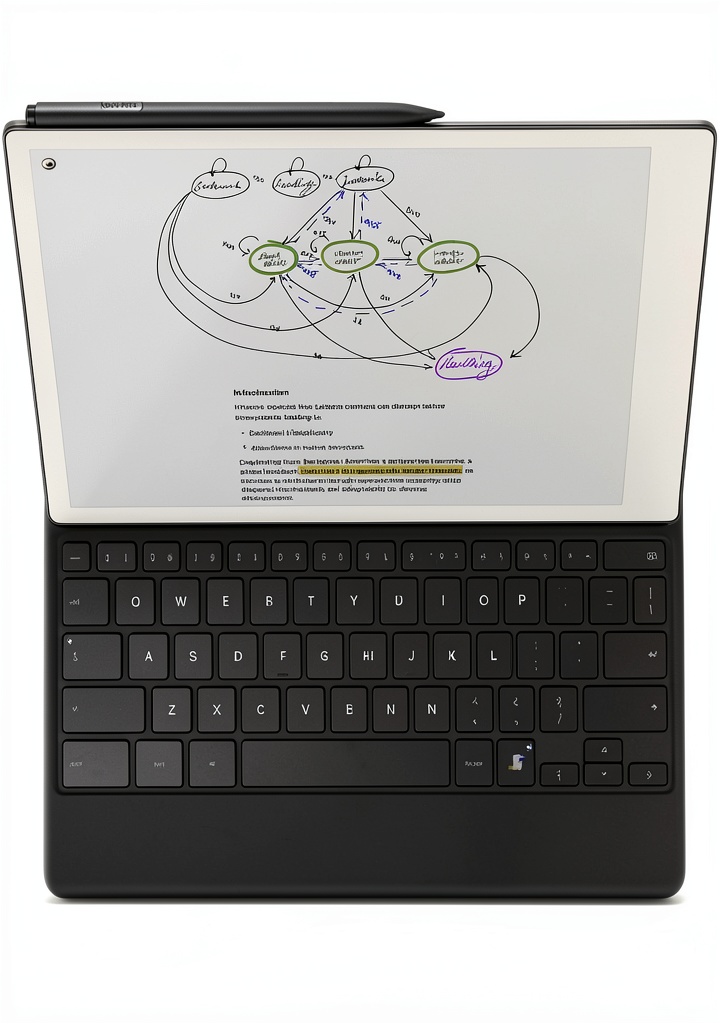
This product is ideal for professionals, students, and creatives who need a versatile tool for note-taking, drafting documents, or brainstorming ideas in various environments such as offices, classrooms, or home offices. It supports both handwriting and typing on the same page, making it perfect for meetings, lectures, or personal journaling where switching between input methods enhances workflow. The distraction-free design encourages deep focus, whether you’re compiling research, sketching ideas, or writing reports.
Why Choose Us
The reMarkable Paper Pro with Type Folio stands out due to its seamless integration of handwriting and typing, eliminating the need for multiple devices or complex setups. It prioritizes user comfort with an ergonomic keyboard and paper-like display, backed by robust construction that ensures reliability. Unlike other digital writing tools, it requires no pairing, charging, or cables, offering a hassle-free experience that boosts productivity and creativity without distractions.
Key Features
- Switch effortlessly between handwriting and typing on the same page for versatile note-taking.
- No pairing, charging, or cables required, ensuring a distraction-free writing experience.
- Ergonomic keyboard design provides comfort during long typing sessions.
- Paper-like display reduces eye strain and mimics the feel of real paper.
- Durable build quality supports reliable use in various professional and educational settings.
FAQ
How do I switch between handwriting and typing on the reMarkable Paper Pro?
Simply attach the Type Folio keyboard and use the touch screen or keyboard inputs interchangeably on the same page; no additional setup is needed.
Is the Type Folio compatible with other reMarkable devices?
The Type Folio is specifically designed for the reMarkable Paper Pro model and may not work with older versions; check compatibility before purchase.
Does the keyboard require batteries or charging?
No, the Type Folio operates without batteries or charging, drawing power directly from the reMarkable Paper Pro for uninterrupted use.
Can I use this for professional document editing?
Yes, it supports typing and handwriting for drafting and editing documents, making it suitable for business, academic, and creative projects.
What materials are used in the construction of the Type Folio?
It is built with high-quality, durable plastics and metals to ensure longevity and a comfortable, lightweight feel during daily use.
Reviews
There are no reviews yet.